

Bug reports — "Something wrong? Tell us"
What this screen is for
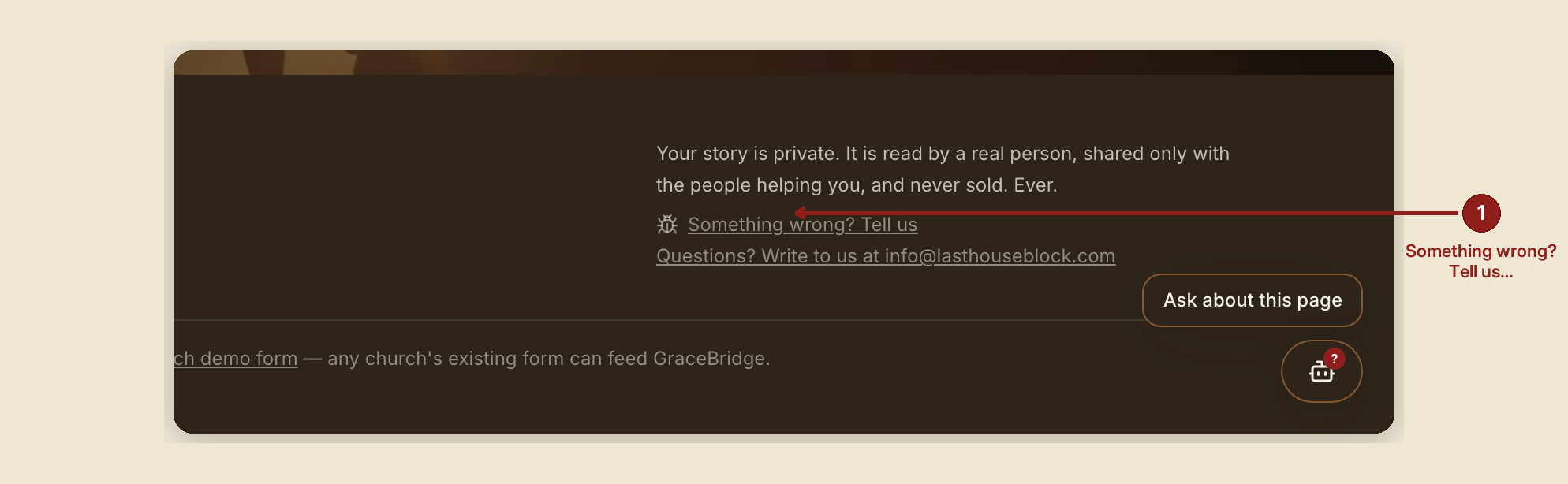
The bug reporter is a small panel available from any page — it isn't a page of its own, so it has no one route to badge. It's how anyone using GraceBridge tells a real person that something on the current page broke or looked wrong.
What you see, in the screen's own labels
- The trigger, at the bottom of every page (and again in the dashboard header once signed in): "Something wrong? Tell us."
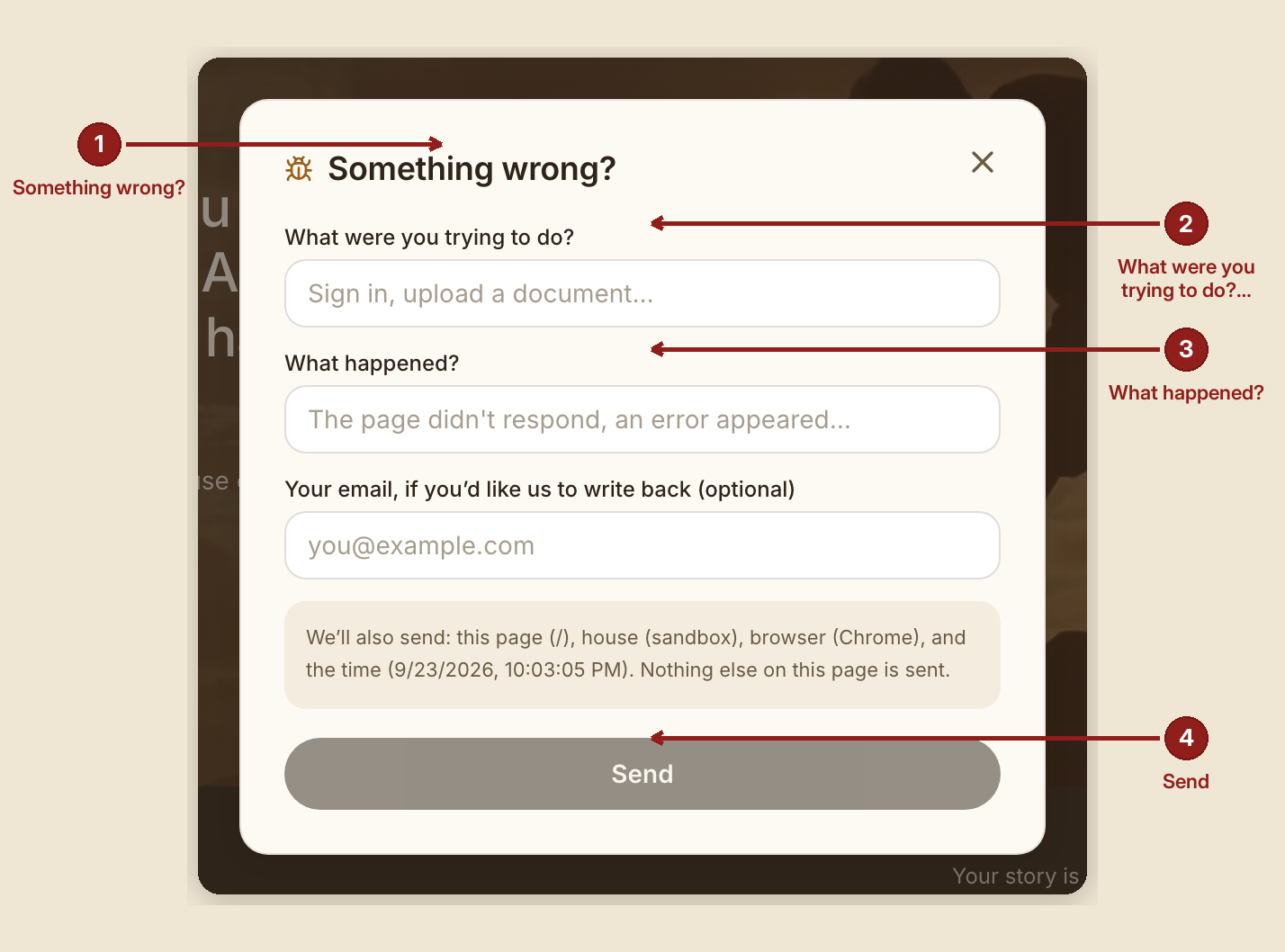
- The panel that opens: "Something wrong?"
- Fields: "What were you trying to do?" (e.g. "Sign in, upload a document…"), "What happened?" (e.g. "The page didn't respond, an error appeared…"), an optional "Screenshot (optional, up to 2 MB)", and an optional "Your email, if you'd like us to write back (optional)."
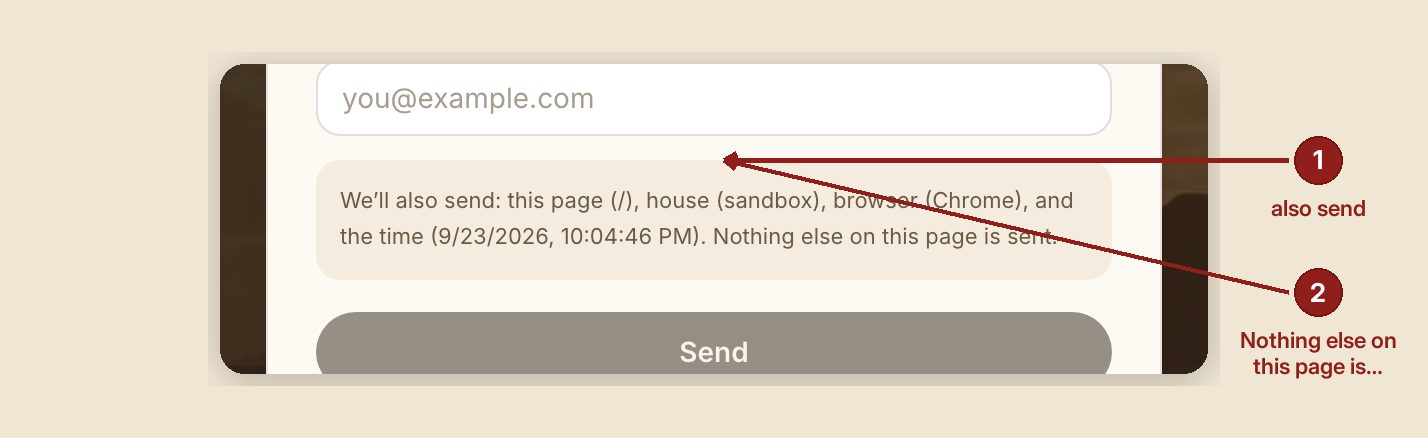
- A disclosure box tells you exactly what's included: "We'll also send: this page ({path}), house ({house}), role ({role}), browser ({browser}), and the time ({time}). Nothing else on this page is sent."
- Button: "Send." On success: "Got it. A real person reads these."
What to do
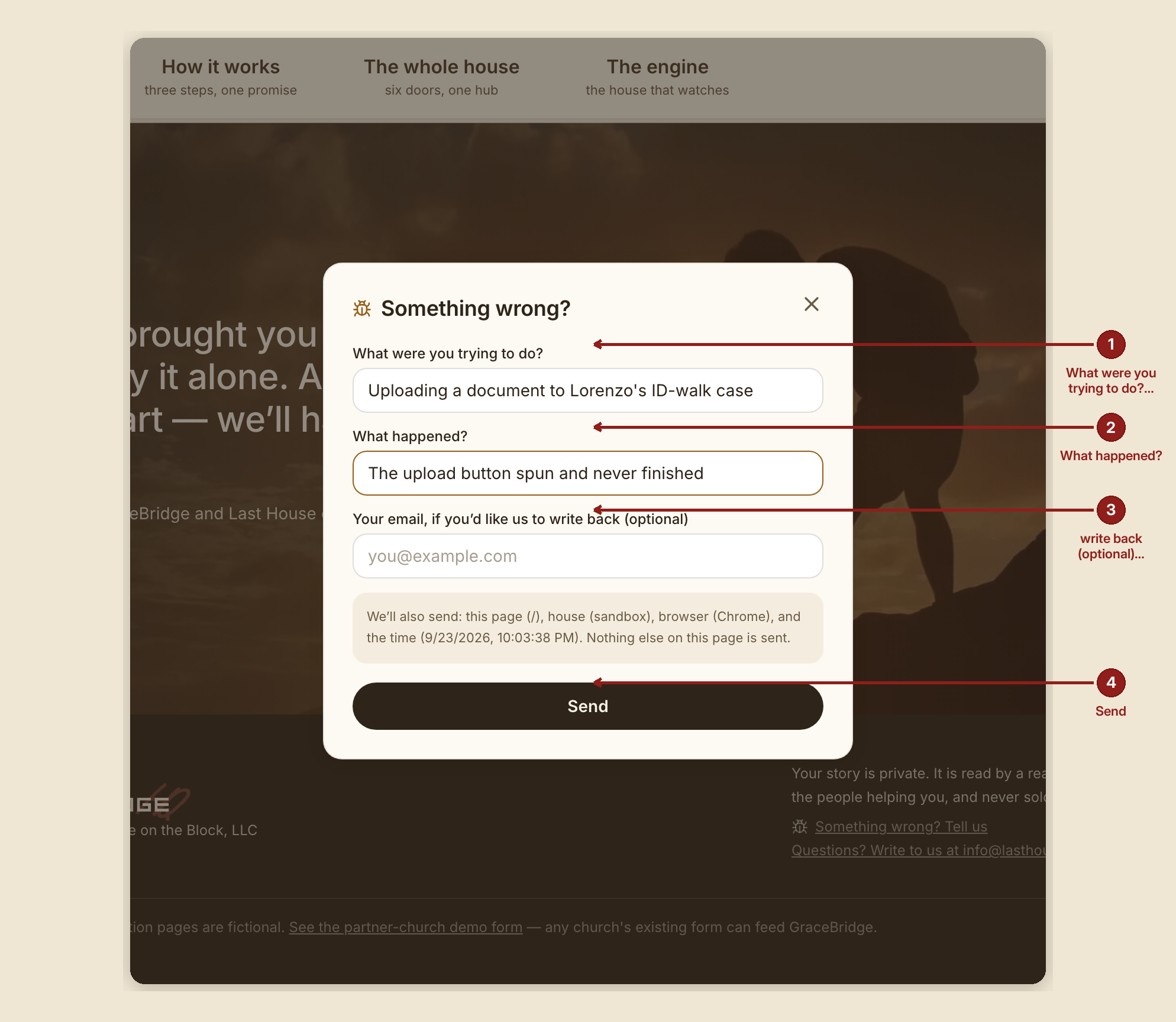
- Use it in the moment something looks wrong — the automatic page and browser details save you from having to describe those parts yourself.
- Attach a screenshot when it helps explain what you saw, as long as it's under 2 MB.
- Leave your email if you want a reply; it's optional, and a report is still read either way.
What NOT to do
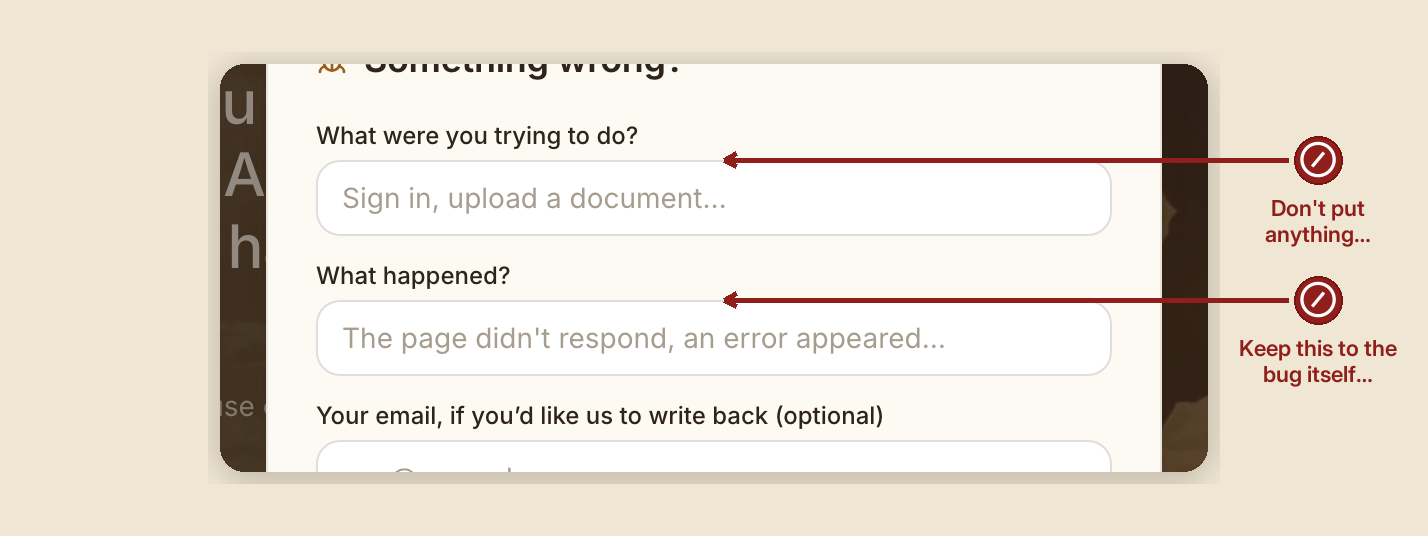
- Don't put anything sensitive in the free-text fields that you wouldn't want read by whoever reviews reports — the disclosure box tells you exactly what's captured automatically, but the two free-text boxes are yours to fill, so keep them to the bug itself.
When something goes wrong (reporting a bug, about the bug reporter itself)
- A screenshot is too large: "That screenshot is too big — 2 MB or less."
- The report itself fails to send: "That didn't send — try again."
Founder note. Only the founder role can read the bug-report inbox (admin:bugs) — every other role can send a report but cannot see what others have sent.