

Check-in links
What this screen is for
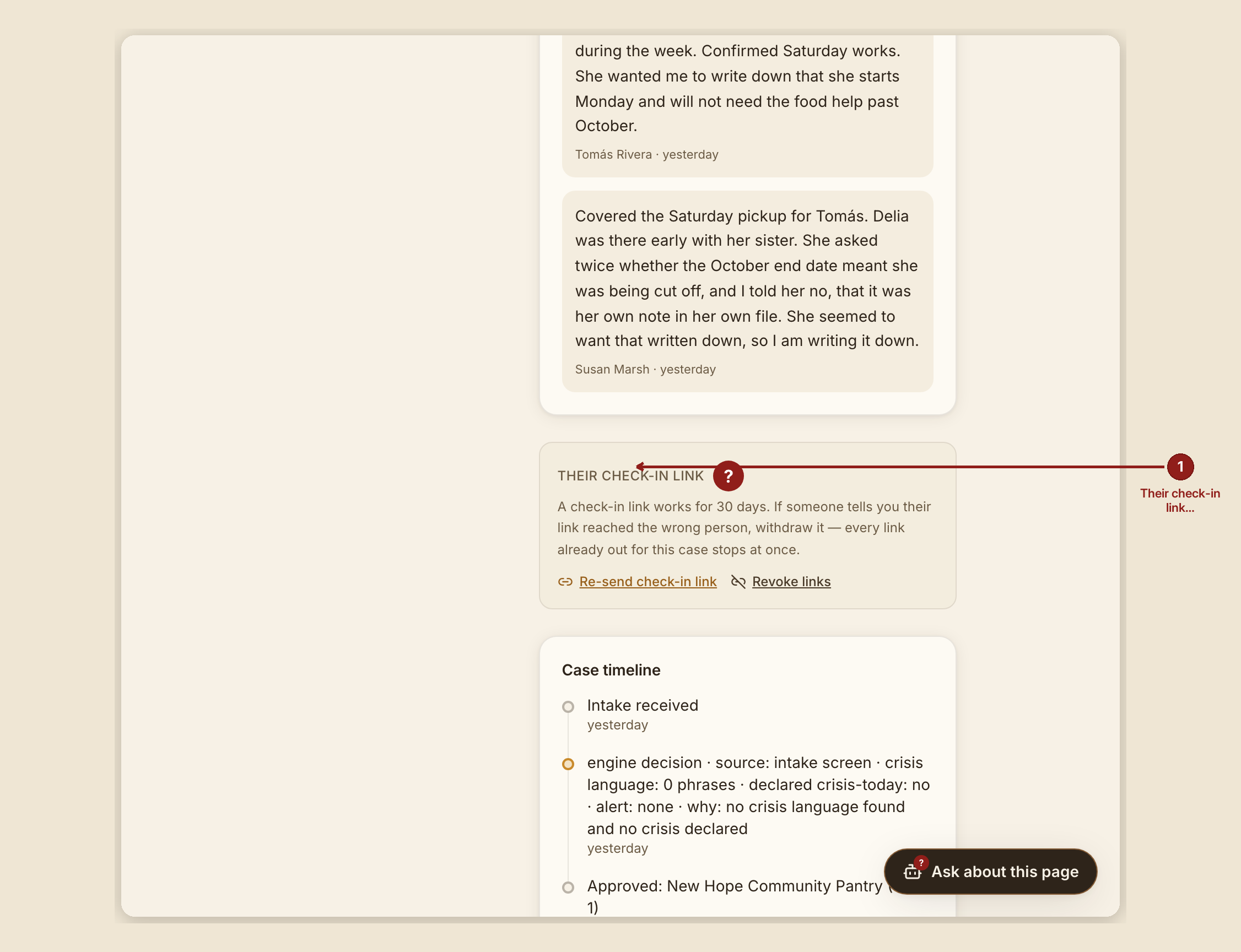
A check-in link is how a person reaches their own case status without signing into anything — it's a mailed link straight to /portal with their access already built in. This page explains the "Their check-in link" panel on the case page, where a volunteer resends or withdraws that access.
What you see, in the screen's own labels
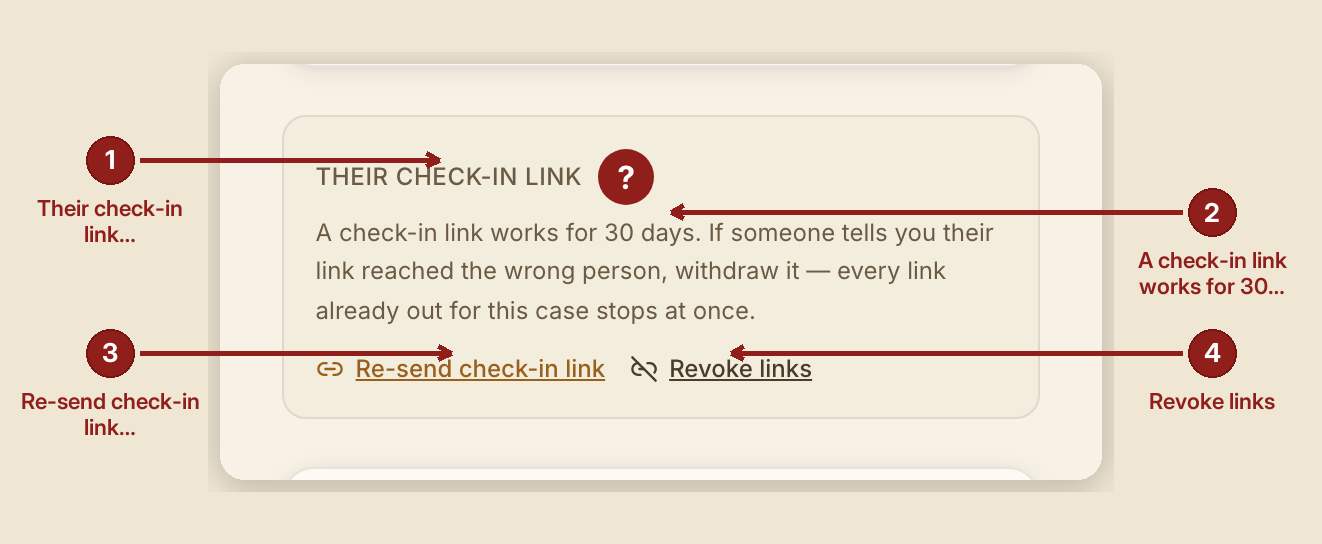
On the case page, under "Their check-in link":
"A check-in link works for 30 days. If someone tells you their link reached the wrong person, withdraw it — every link already out for this case stops at once."
Two buttons: "Re-send check-in link" and "Revoke links". Revoke is deliberately styled plainer than resend, so it doesn't invite an idle click.
What to do
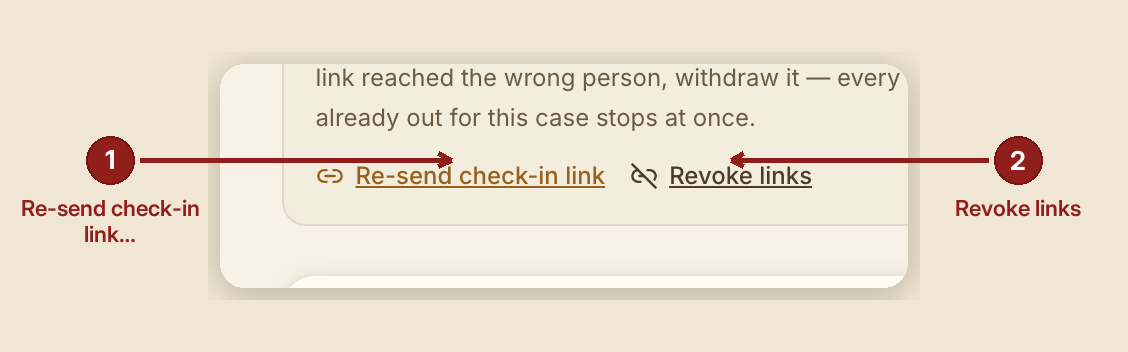
- Re-send if a link expired, got lost, or the person asks for a fresh one. It confirms: "A fresh link is on its way to the address on this case."
- Revoke if a link went to the wrong person, or you need to be sure every copy of it stops working right now. Every link already sent for this case is invalidated at once. It confirms: "Every link already out for this case has been withdrawn. Send a fresh one whenever you are ready."
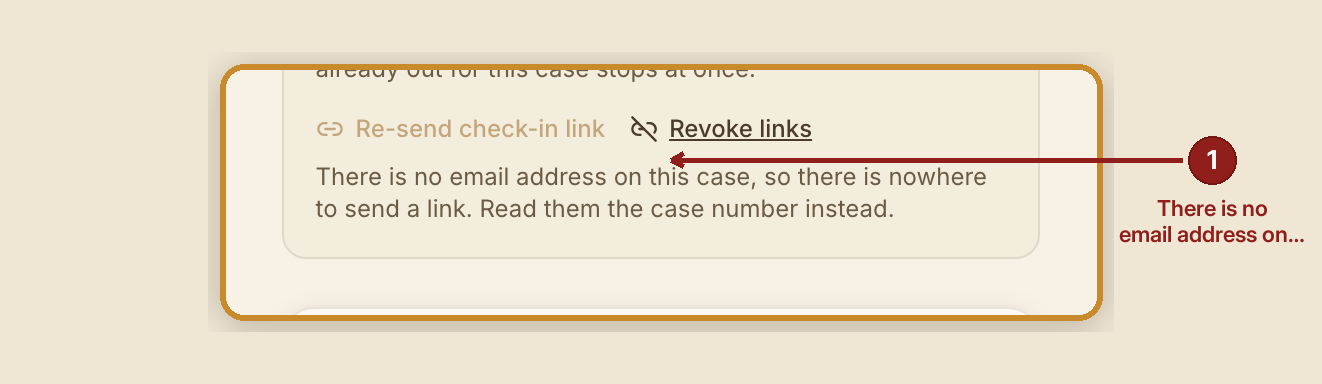
- If the case has no email on file, resend is disabled and the panel says: "There is no email address on this case, so there is nowhere to send a link. Read them the case number instead."
What NOT to do
- Don't assume a link lasts forever. Every check-in link stops working automatically after 30 days, whether or not anyone revokes it — that's a safety design, so an old email sitting in an old inbox can't be used to read someone's case indefinitely.
- Don't panic if a person says their link "stopped working." That's usually just the 30-day expiry doing its job, not an error. Resend them a fresh one.
- Don't try to guess or forge a check-in link. A forged or tampered link fails silently — the person just lands on the plain lookup form, with no error message telling them anything worked or didn't. That's intentional: it tells a forger nothing.
What the person sees, if their link has expired or been revoked
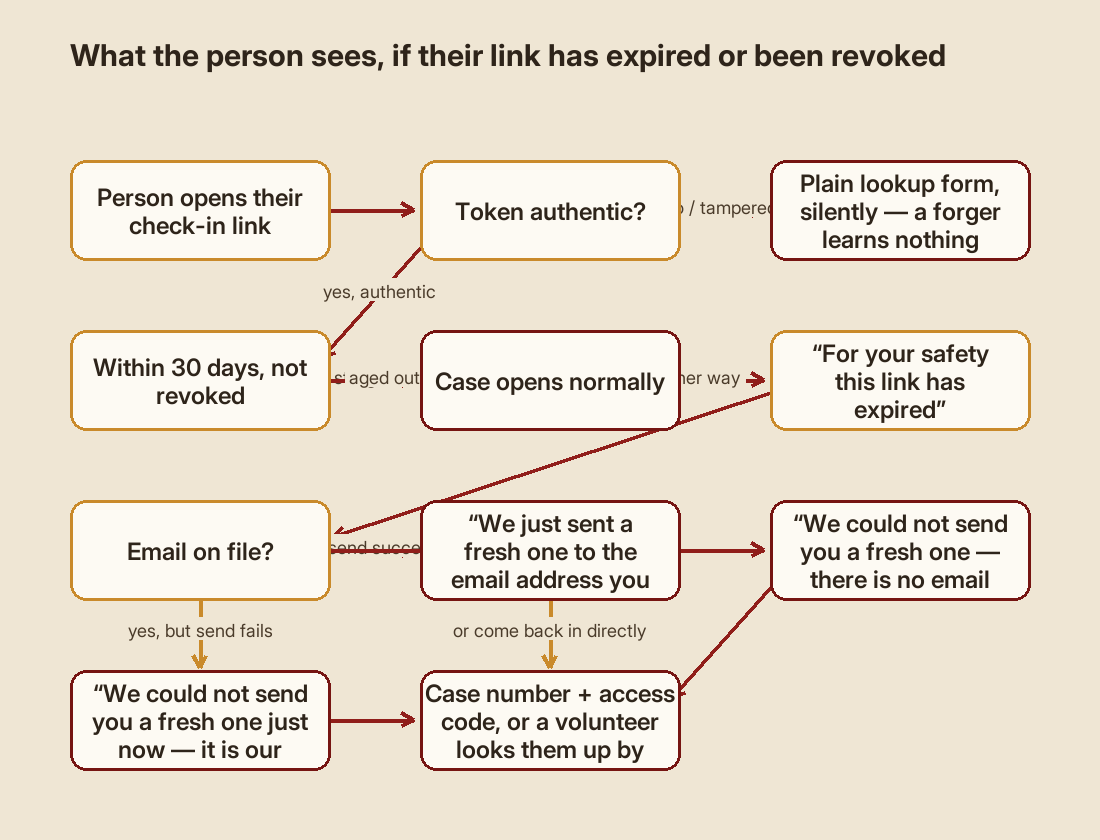
Whichever reason it stopped working, the wording is deliberately identical — the distinction is kept only in the internal record, never shown to the person, so nobody has to sort out "expired" from "revoked" under stress:
"For your safety this link has expired"
If a fresh link could be emailed automatically: "We just sent a fresh one to the email address you gave us. It should arrive within a minute or two — open that and you will be right back where you were."
If there's no email on file to send to: "We could not send you a fresh one — there is no email address on your request."
If sending failed for any other reason: "We could not send you a fresh one just now, and we are sorry. It is our fault, not yours, and it is being looked at."
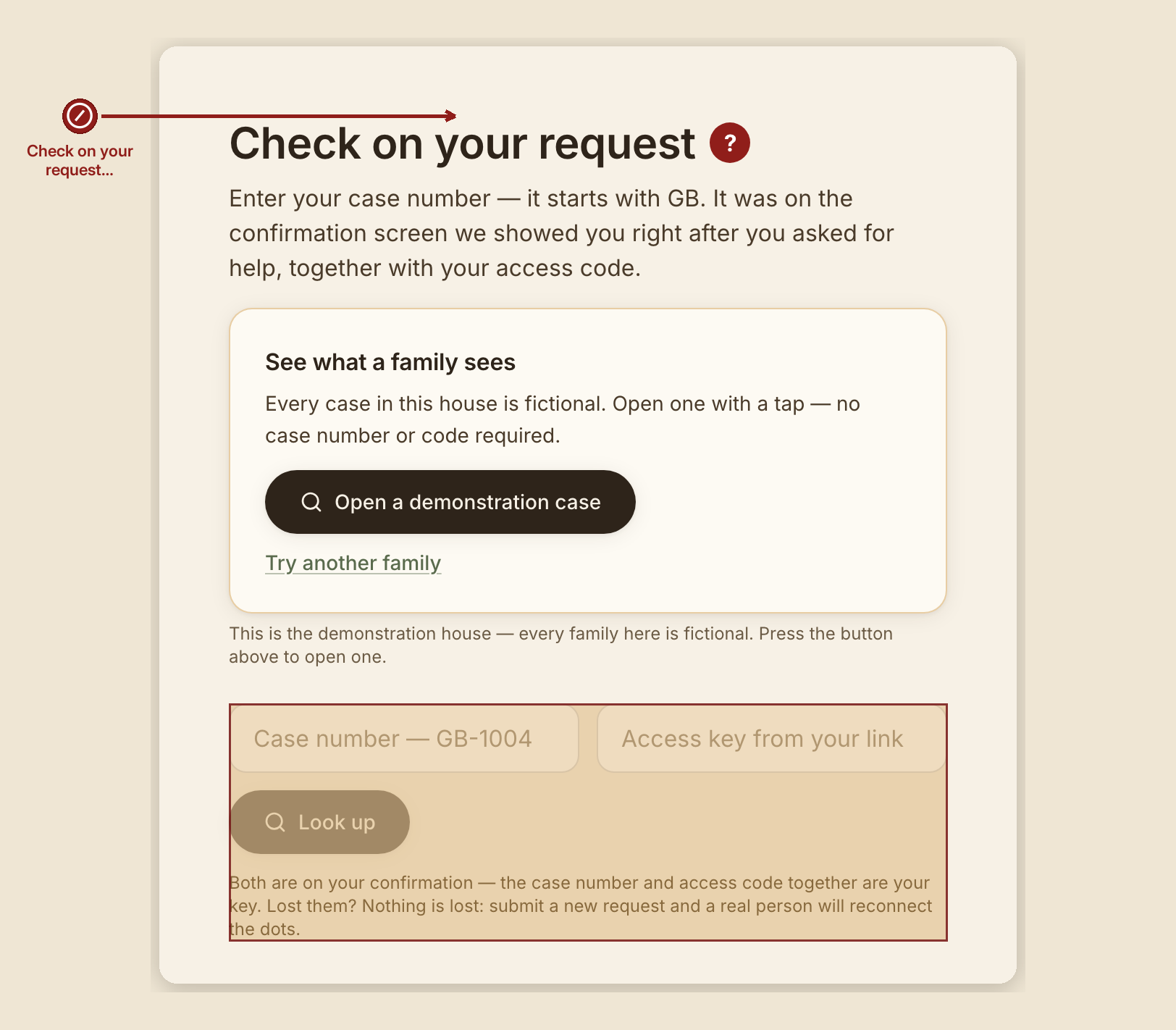
Either way, the page continues: "Enter your case number and access code below and you are straight back in. If you do not have them, a volunteer can look you up: reply to any message you have had from us, and give them your name."
When something goes wrong
- Resend fails on the server side: "Nothing was sent — {reason}."
- Revoke fails to actually write the change: "Those links were NOT withdrawn — nothing changed. Try again." This is one message GraceBridge is built to never get wrong in the other direction — it will not tell a volunteer "revoked" if the links are still live.
- A network problem on your end: "That didn't reach the server. Nothing was changed."
- Any other failure: "That didn't go through."
Client / seeker note. If your own link ever stops working, nothing about your case is lost. A fresh link is often sent automatically the moment the old one is used past its expiry — check your email. If nothing arrives, you can look yourself up directly at /portal with your case number and access code, or reply to any message you've had from GraceBridge and a volunteer will look you up by name.