

Get help / intake — what a seeker sees
What this screen is for
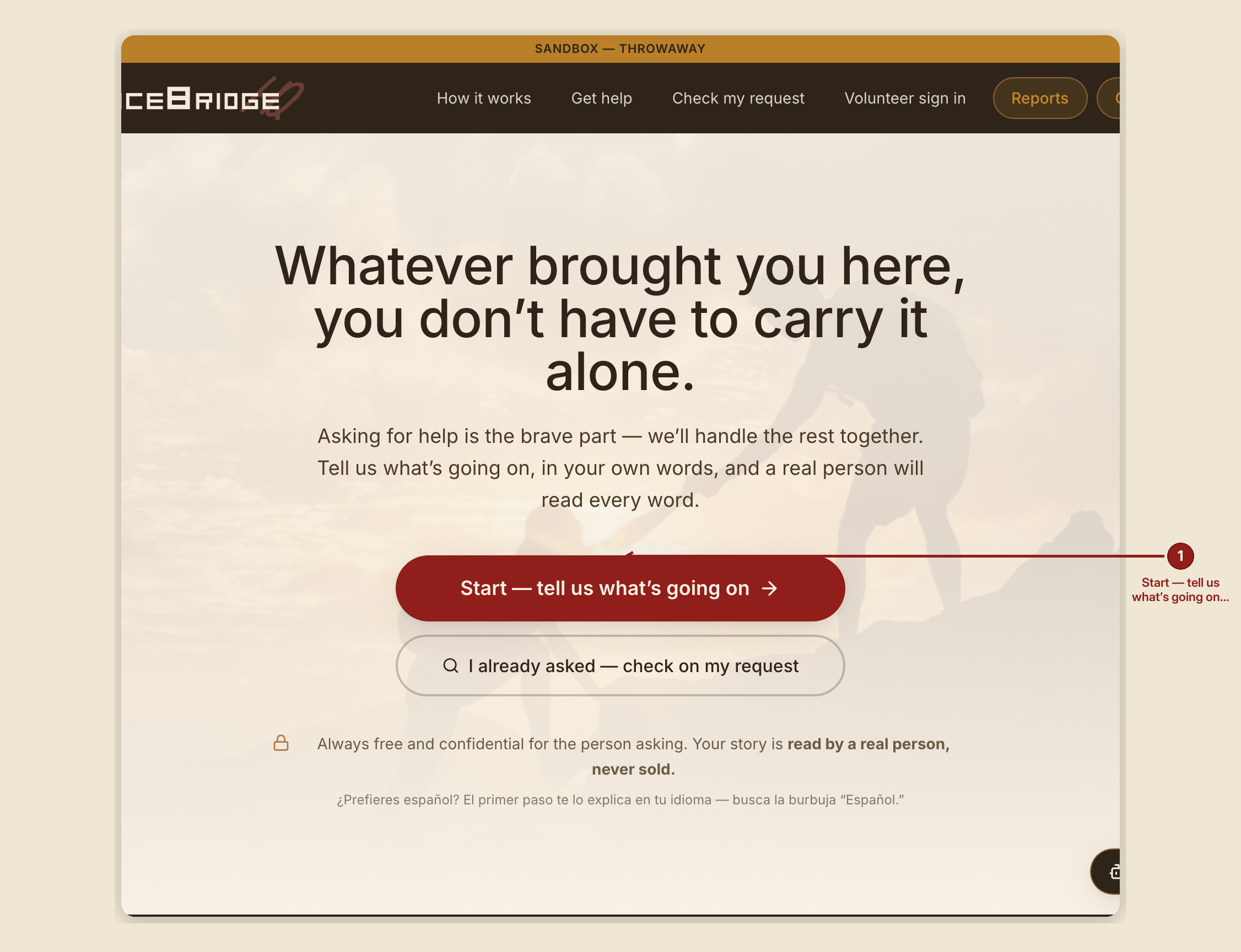
This is the front door for a person who needs help today, and for the volunteer sitting beside them filling it out together. /gethelp is the welcome page; /intake is the four-step form itself.
What you see, in the screen's own labels
`/gethelp`: "Whatever brought you here, you don't have to carry it alone." Two buttons: "Start — tell us what's going on →" and "I already asked — check on my request." A trust line with a padlock: "Always free and confidential for the person asking. Your story is read by a real person, never sold."
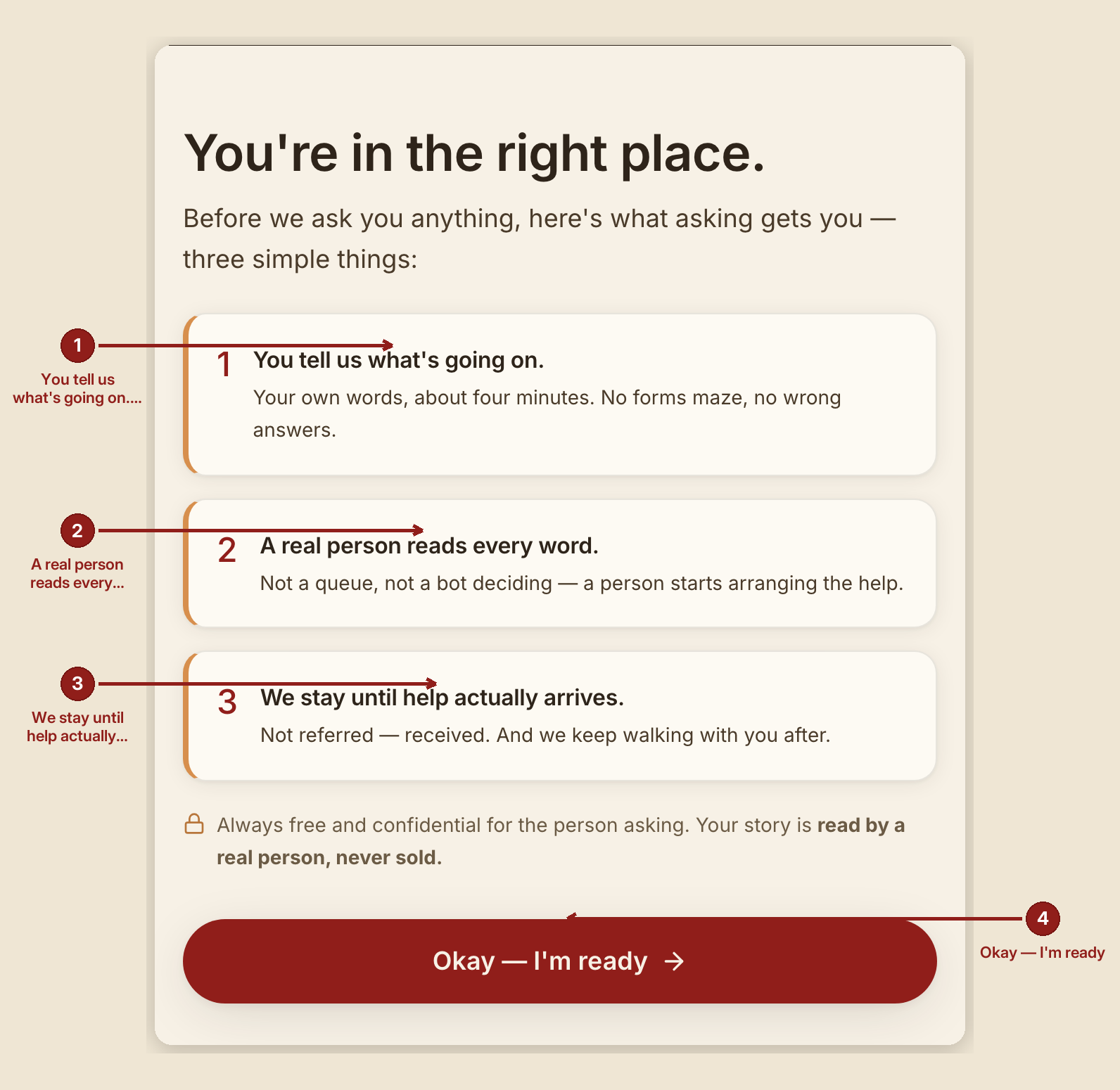
Before the form (`/intake`): "You're in the right place," then three simple things, before anything is asked:
- "You tell us what's going on." — your own words, about four minutes, no forms maze.
- "A real person reads every word." — not a queue, not a bot deciding.
- "We stay until help actually arrives." — not referred, received.
Button: "Okay — I'm ready →."
The four steps, with progress dots:
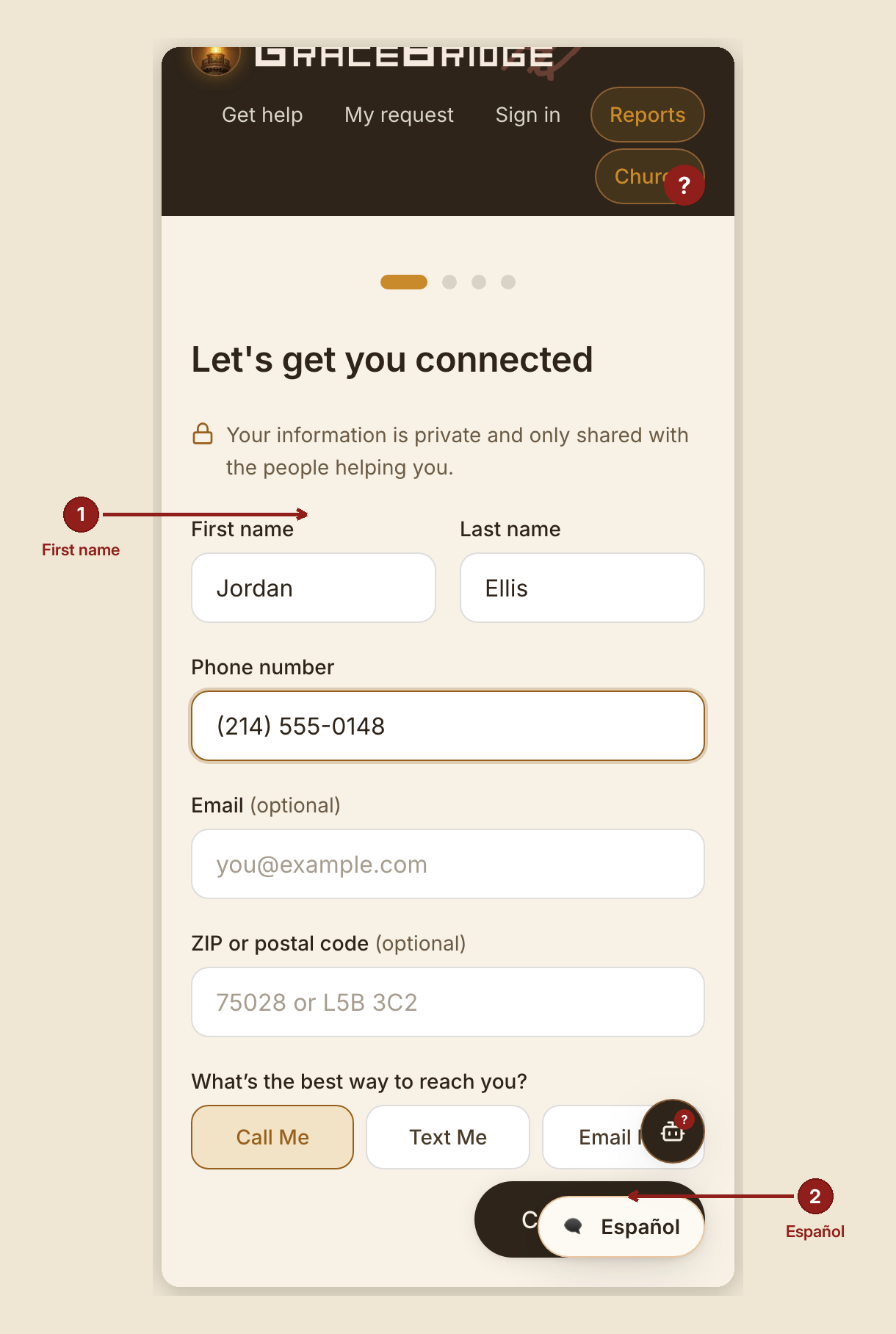
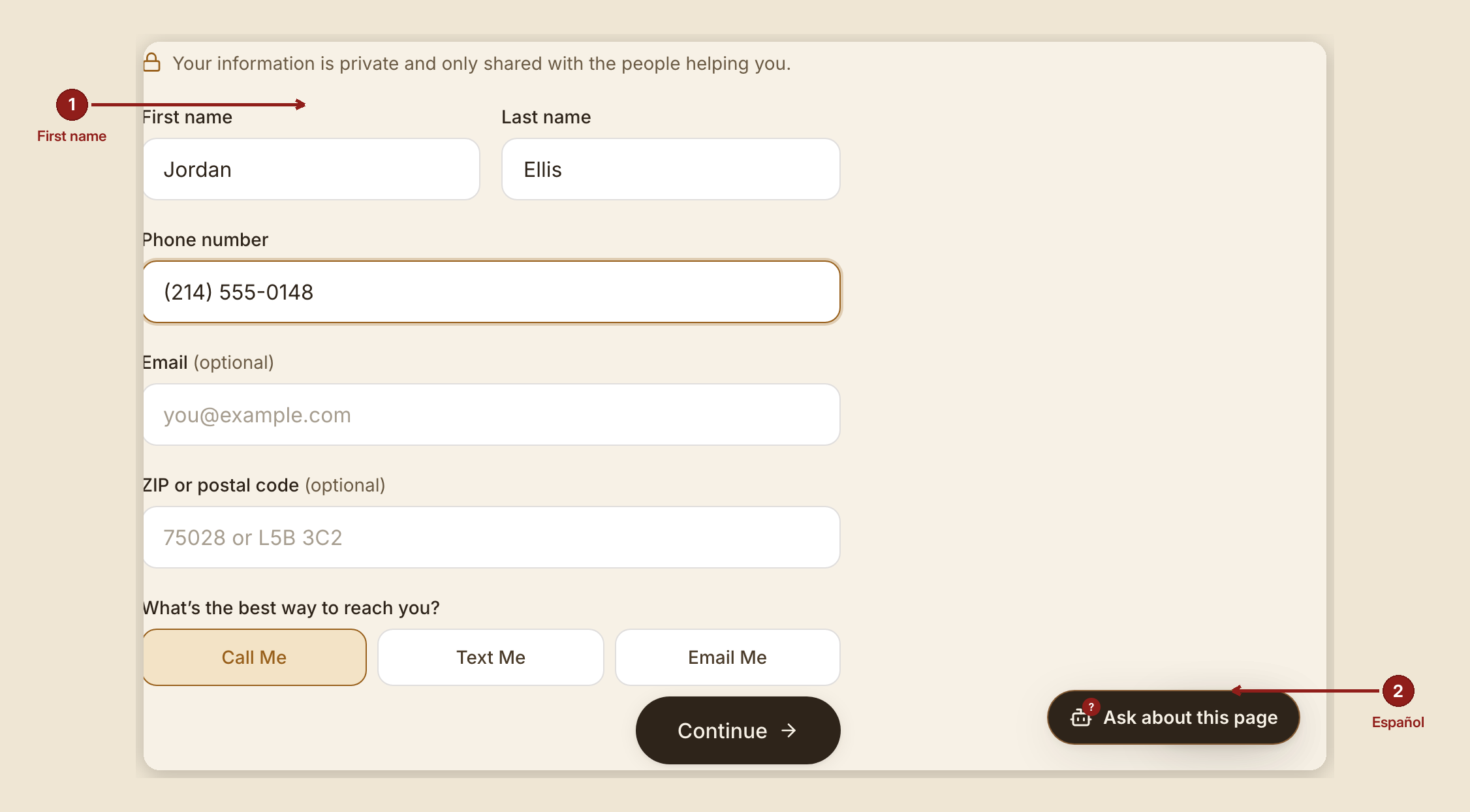
- "Let's get you connected" — first/last name, phone, optional email, and how you'd rather be reached: Call me / Text me / Email me.
- "What do you need help with?" — 13 need categories (Food, Housing, Utility bills, Transportation, Clothing, Childcare, Work / income, Medical care & prescriptions, Rehab, Sobriety & recovery support, Mental & emotional health, Getting an ID or birth certificate, Something else), how soon (Today / This week / Soon / Not urgent), an optional church-family question, housing situation, household size, children at home.
- "Tell us your story" — one open box: "Take your time. Start anywhere." A sentence or two is enough to send; more helps more.
- "One last look" — a summary with an Edit link, a required consent checkbox ("I agree that GraceBridge may share my information with organizations that can help me"), and an optional SMS checkbox that states plainly: "You will still get the same help if you leave this unchecked."
Button: "Send my request →."
The confirmation page: "You've been heard." A case-number card with Your Case # and an access code, and: "You'll need both to check on your request — like a key that only fits your own door. Save or screenshot this."
What to do
- If you're a volunteer filling this out with someone, do it together on your phone or theirs — ask the questions gently and type while they talk; it's often better than handing over a screen.
- Write both the case number and access code down, or screenshot the confirmation, before you part ways.
- Prefer español? Tap the floating "Español" bubble — it translates the welcome screen. The form itself is honestly still in English on this build; the page says so, in Spanish, and invites the person to write their story in Spanish anyway — a real person reads it either way.
What NOT to do
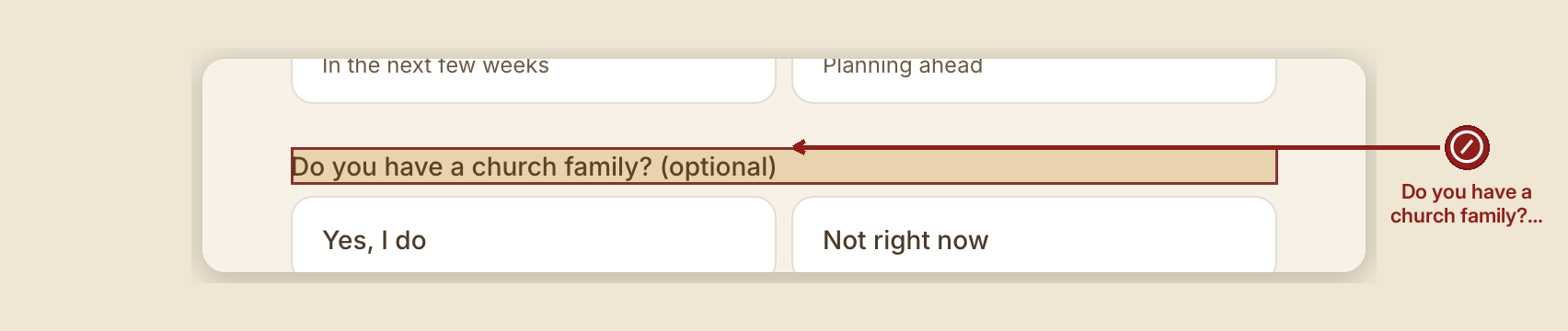
- Don't require the church-family question. It's entirely optional and never gates anything — and if the box for contacting a church isn't checked, the software will not contact it. Not ever, not as a favor.
- Don't check the SMS box on someone's behalf without asking. It's genuinely optional, and the software enforces that: leaving it unchecked blocks any text message from being sent, it doesn't just discourage it.
- Don't lose the access code. The case number alone opens nothing — that's deliberate, so a guessed case number can't read anyone's story.
When something goes wrong

- Something required is missing: the page says so gently at the bottom — "Still needed: {what's missing}" — rather than a hard error.
- Submission fails on the server side: "Something went wrong on our end — not yours. Please try again."
Volunteer note. There is no "add a case" button anywhere in the dashboard. Every case begins here, with the person's own words and their own consent — that's a deliberate design, not a missing feature.