

GraceBridge — what this site is and where to go
What this screen is for
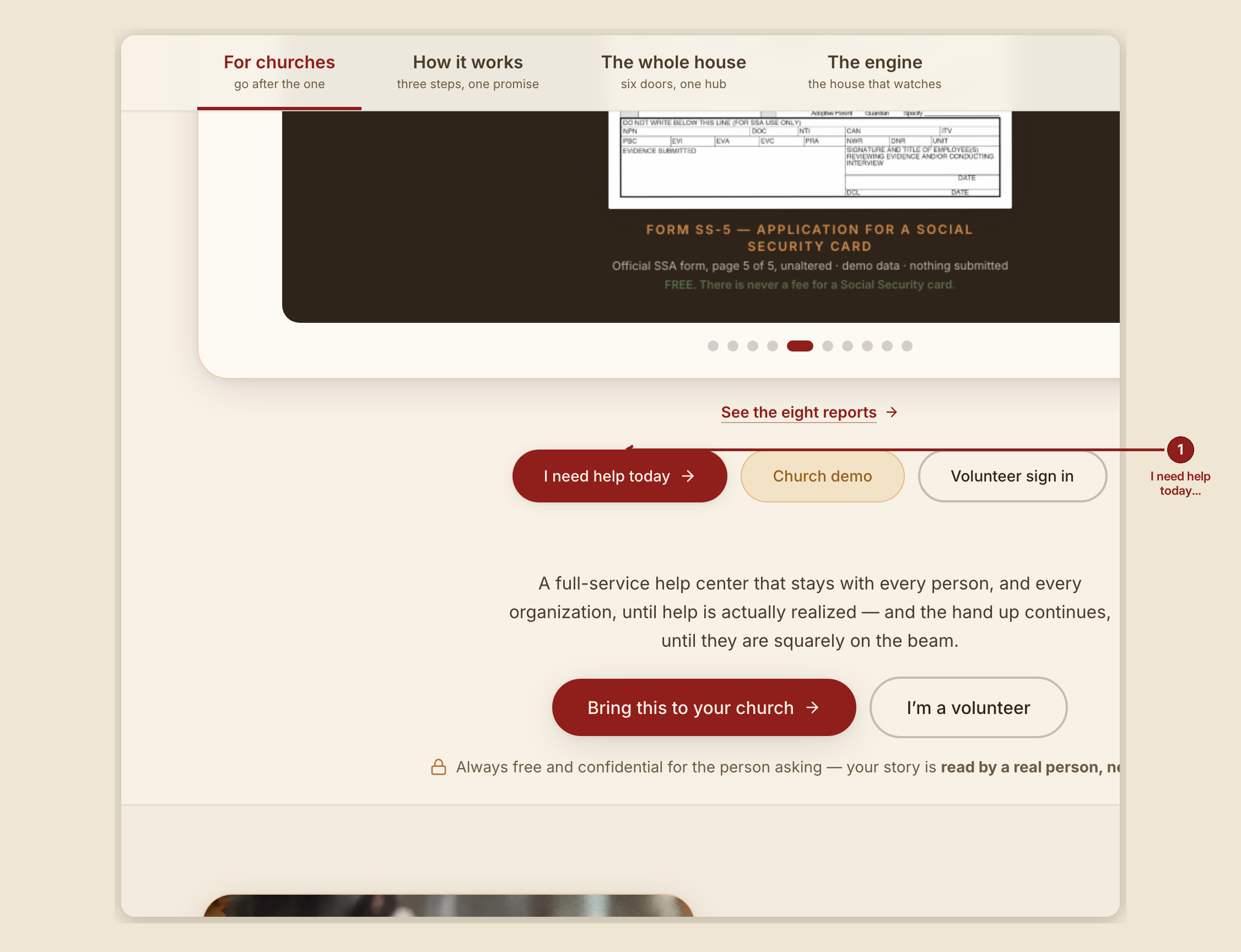
This is GraceBridge's home page — the site's own front door. It explains, in a sentence, what GraceBridge is, and gives a few ways in depending on who's reading: someone who needs help, a church or organization that wants to help, or a volunteer who already signs in.
What you see, in the screen's own labels

- Four tabs across the top: "For churches," "How it works," "The whole house," and "The engine." "For churches" loads first.
- A quiet link at the edge of the tabs: "Need help yourself?" — leads to
/gethelp, the seeker's own front door. - Two main buttons: "Bring this to your church →" (leads to
/providers, where a church or organization signs up) and "I'm a volunteer" (leads to/dashboard, the sign-in screen). - A trust line: "Always free and confidential for the person asking — your story is read by a real person, never sold."
- A link, "See the eight reports," to the public reports gallery at
/reports.
What to do
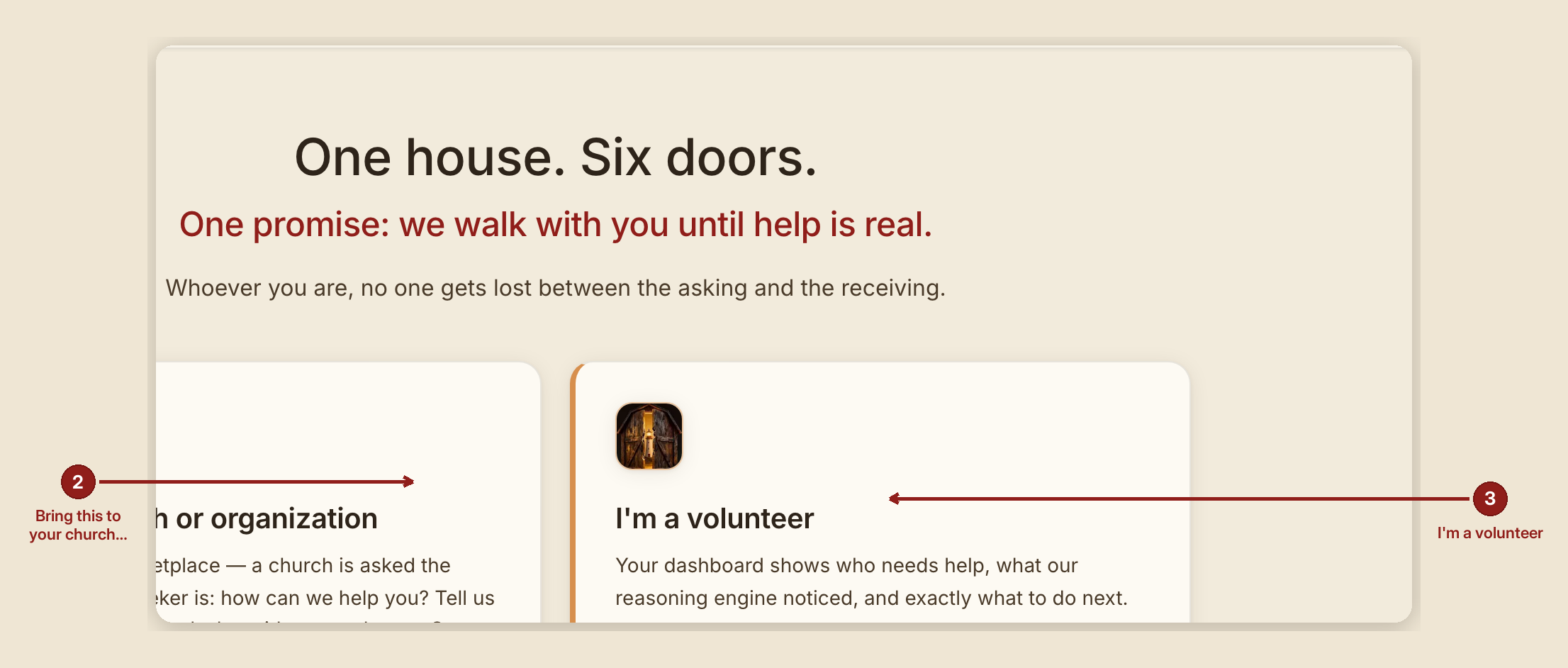
- If you need help yourself right now, use the "Need help yourself?" link, or go straight to
/gethelp— this home page isn't built around that one person;/gethelpis. - If you're a church or organization wanting to help, tap "Bring this to your church" and fill out the form at
/providers. - If you already volunteer with GraceBridge, tap "I'm a volunteer" to sign in.
What NOT to do
- Don't fill out the provider form if you're the one who needs help. That form is for a church or organization offering help, not receiving it —
/gethelpis the right door for that.
When something goes wrong
- Not sure which door is yours? Ask right here — this page's helper can point you to
/gethelp,/providers, or/dashboarddepending on what you tell it.