

Help requests
What this screen is for
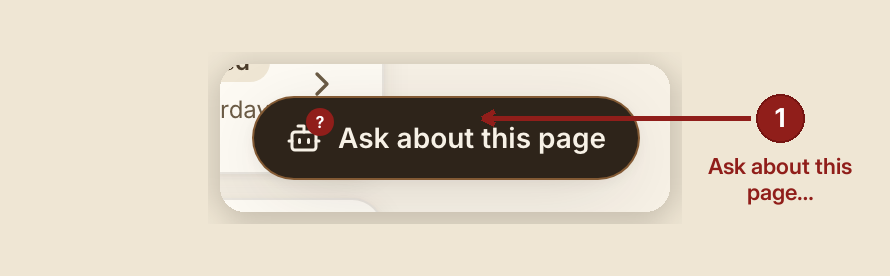
Every dashboard, case, and report page carries an "Ask about this page" helper. Most questions it answers itself, straight from the User Guide. When it can't — the question isn't in the guide, or the model's reply couldn't be grounded in a real heading — it doesn't just say "I don't know" and stop. It opens a ticket here, tells the person who asked "I've sent this to the GraceBridge team. You'll hear back shortly," and this page is where that ticket lands for a real person to close the loop.
What you see, in the screen's own labels
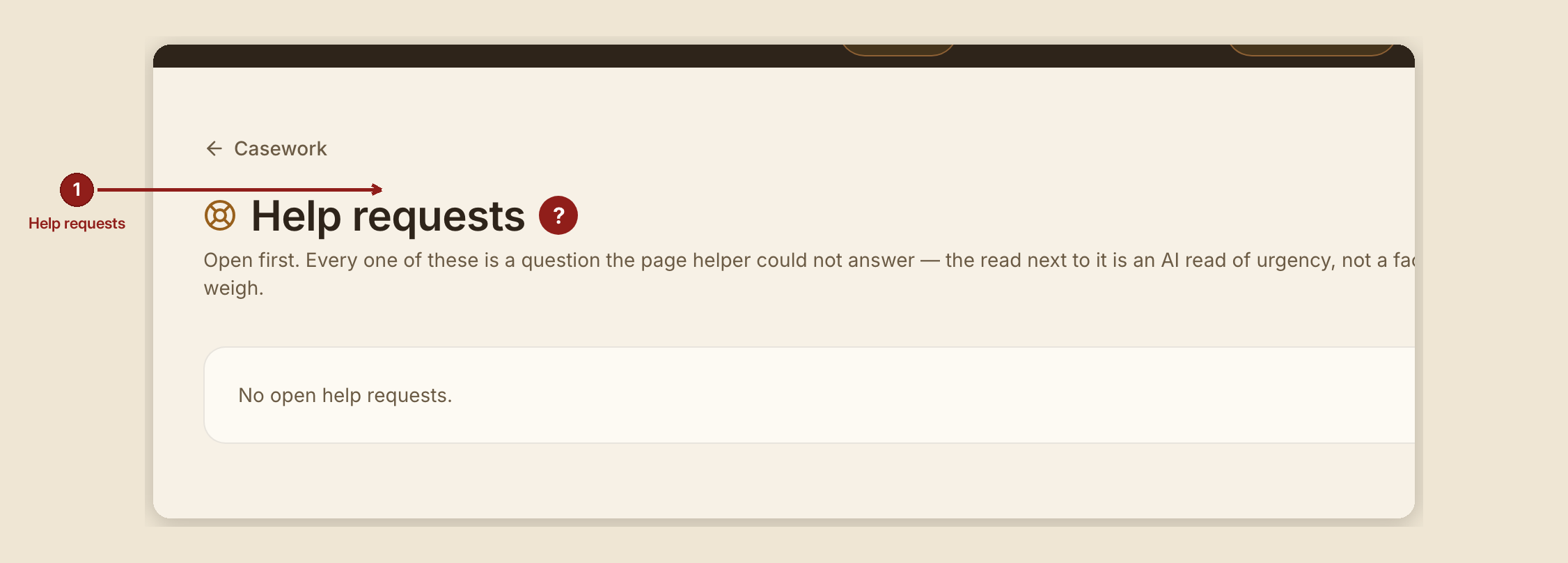
- "Help requests" — the page heading, open tickets only, newest first.
- Per ticket: when it came in, the house, the page it was asked from (surface and route), the role of the person who asked, a "read: low / normal / high urgency" pill (and "· crisis" when the read flagged one), the question itself, what the helper told them, the ticket id, and a "Mark answered" button.
- The "read" wording is deliberate and never changes to "sentiment" or a plain fact: it's a single extra, cheap AI call sizing up how urgently a human should follow up, made only after the helper already failed to answer. It never decides anything on its own — you do, weighing it same as you'd weigh a hunch.
What to do

- Read the question and what the helper already told the person before you reply to them directly — they were already told "shortly," so a fast human follow-up is the point of this whole ladder.
- Weigh the "read" pill, don't obey it. "High urgency" or "· crisis" means the read thought this looked urgent from the words alone; it is a prompt to look sooner, not a verdict.
- Click "Mark answered" once you've actually followed up — this clears it from the open list; it does not send anything to the person who asked.
What NOT to do

- Don't treat the read as a diagnosis or a promise. It's an AI read of urgency from a few words, not a case assessment — never quote it back to anyone as a fact about them.
- Don't expect a case id or a name here. A help request only ever carries the question someone typed and the page they typed it from — never a case's private details.
When something goes wrong

- "Mark answered" doesn't save: the page shows "That didn't save — try again." and the ticket stays open until it does.
- A house has no `GB_AGENT_HANDOFF_TO` configured: the ticket is still recorded and still lands here — only the email side is skipped, with one warning logged so an unconfigured house doesn't go unnoticed.
Founder and staff only. Only the founder and employee roles can read this inbox (handoffs:read) — a volunteer, consultant, pastor, or provider whose question triggers a hand-off never sees this page, and asking a question through the helper does not grant them access to it.