

The Make-Ready Packet
What this screen is for
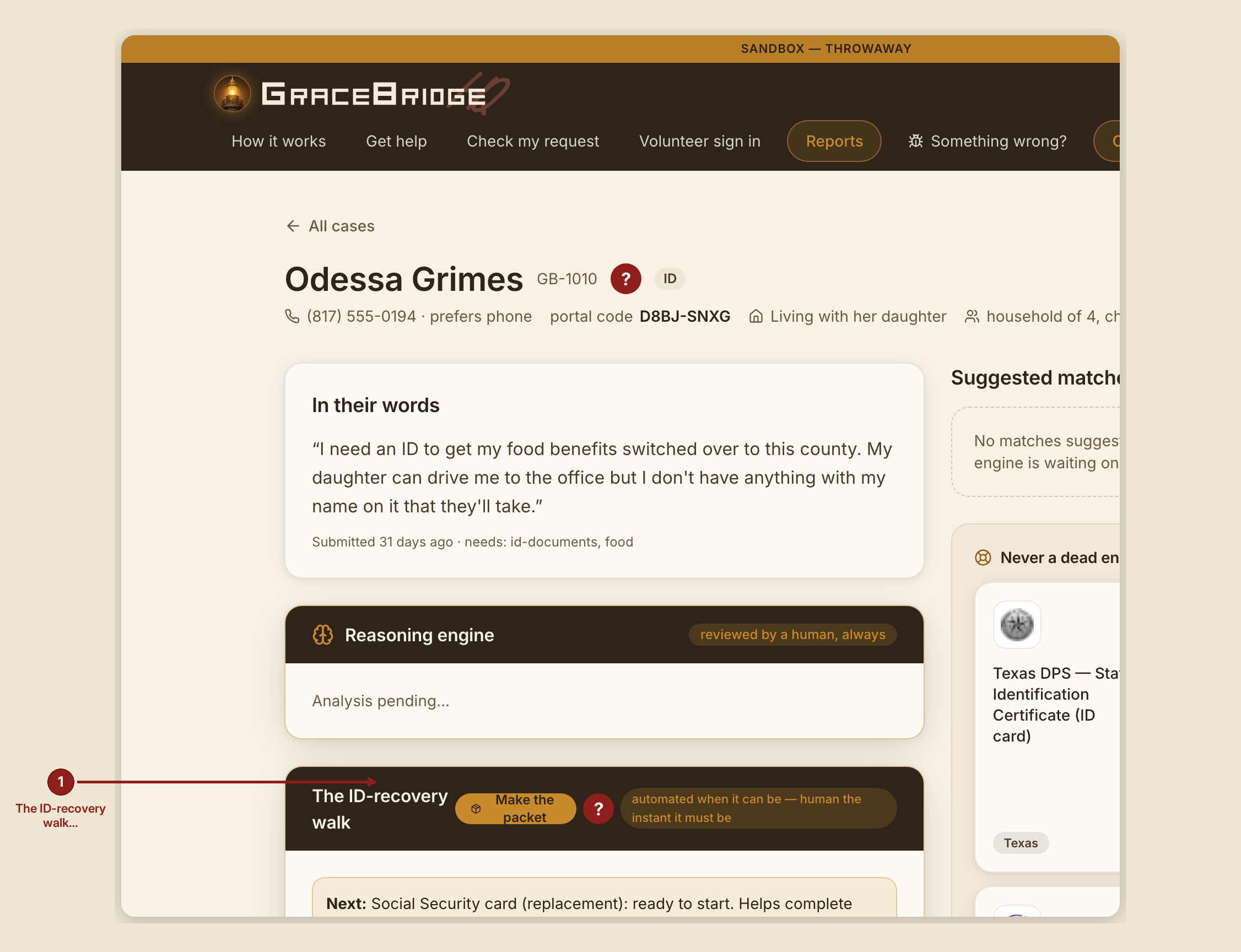
The make-ready packet turns a whole ID Walk into one downloadable PDF: a cover sheet, every office's address, hours and fee, the official forms already filled where they can be, and a checklist — so a volunteer walks in with everything in hand instead of assembling it stop by stop.
What you see, in the screen's own labels
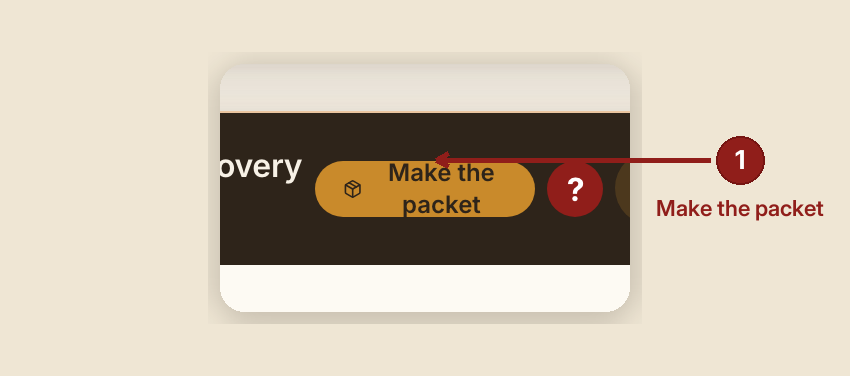
- "Make the packet" — the button, in the ID-recovery walk panel's header bar. It becomes "Packet downloaded" for a few seconds after it succeeds.
- The downloaded file is named `{case id}_ID_packet.pdf`.
What's inside the packet
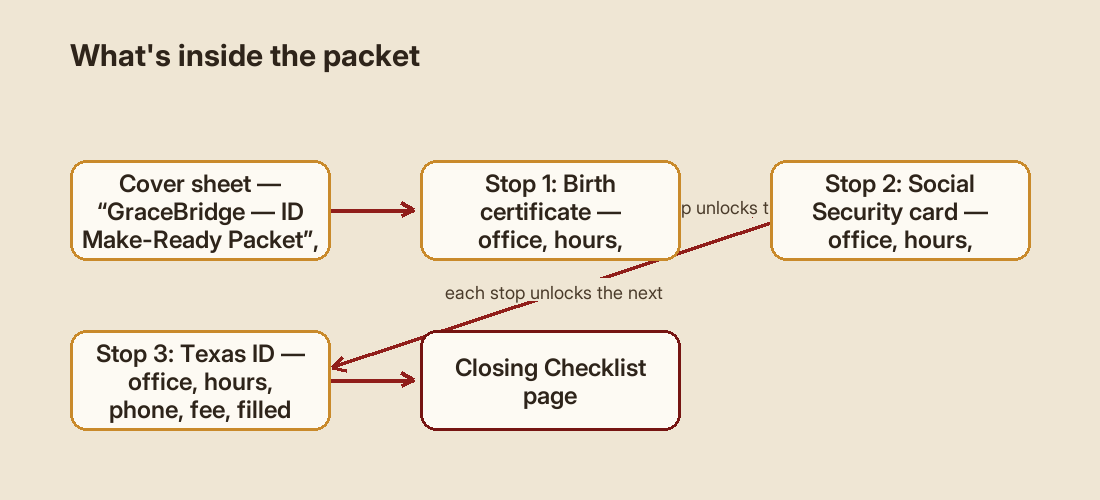
- A cover sheet titled "GraceBridge — ID Make-Ready Packet," with this text, verbatim:
"This packet is everything we could get ready for the walk to a > birth certificate, a Social Security card, and a Texas ID — in the > order that actually works, since each one unlocks the next. For each > stop you'll find: which office, its hours and phone, what it costs, > and what to bring. We've filled in what we're allowed to fill in > ahead of time. Your part is simple: look each form over, sign it, and > hand it to the person behind the counter. Take the stops in order — > the next one is waiting on the last one to land. If a fee comes up > and money is tight, ask your shepherd; that is exactly what they are > there for. GraceBridge prepares these forms; you review and sign them > yourself. Nothing here gets filed or mailed until you do."
- One section per stop, titled "Stop {n}: {office}", with office hours, phone, fee, and — when a fillable form exists for that stop — the filled official form. When no form is bundled for a stop, the section says: "No fillable form for this stop is bundled — use the official link above."
- Each office section carries a "Last verified {date} — Confirm hours and fees by phone before you go" note.
- A closing "Checklist" page.
What to do
- Open the case, find "The ID-recovery walk," and click "Make the packet."
- The whole packet is assembled on your own device — cover sheet, office info, filled forms, checklist — and downloads as one PDF.
- Hand it to the person, or carry it with you to each office.
- Review every box before it's filed. The form-filler aims for most of the typing, not perfection.
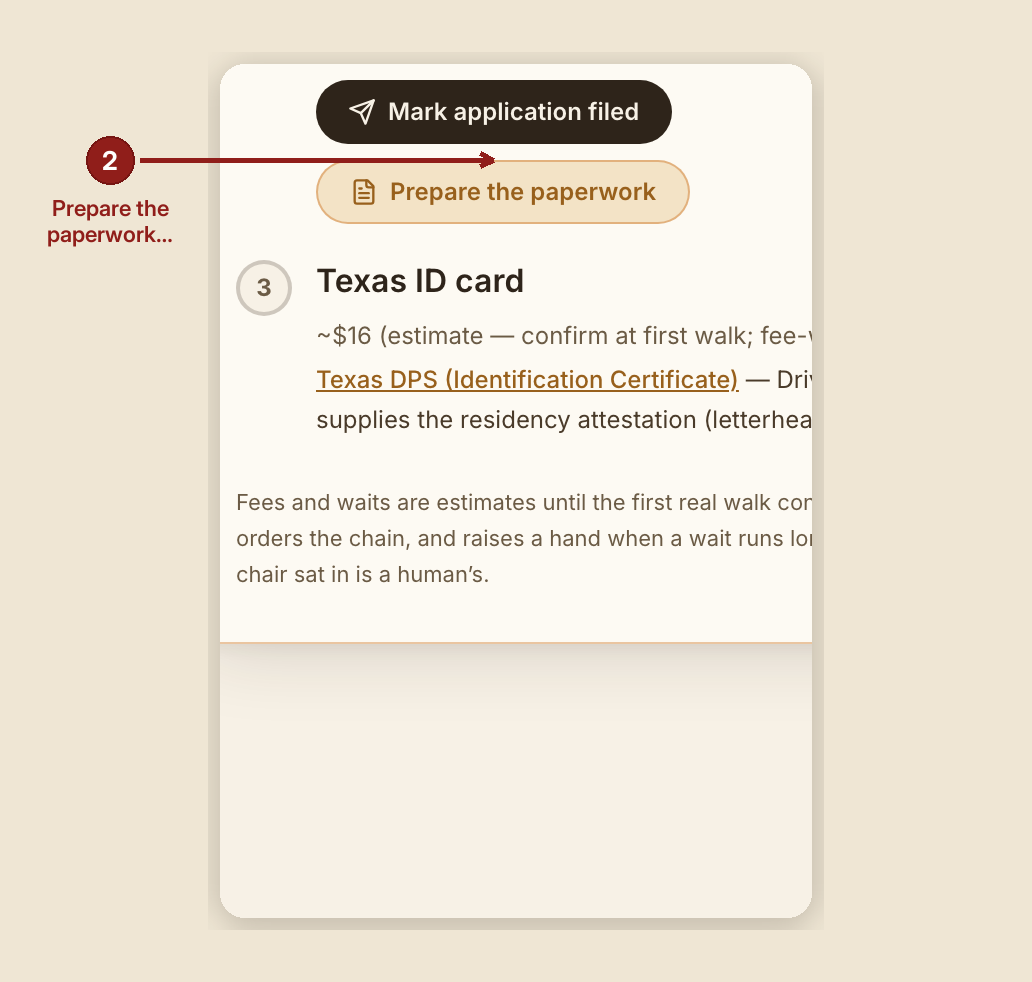
Filling one link's paperwork individually: on any link in the chain, click "Prepare the paperwork" to open a guided form. Every field has a hover bubble explaining why it's asked. Fields the case already knows (name, phone) fill themselves. Sensitive fields — a date of birth, a mother's maiden name, a Social Security number — are marked "never stored" right on the screen, and that's literal: those values live only in your browser, print onto the paper, and are gone when you close the tab. Two buttons: "Print the packet" and "Download the filled official form."
What NOT to do
- Don't treat the packet as a filing. Nothing is submitted to any agency automatically. A human still fills what needs filling by hand, signs, pays, and files or mails it.
- Don't lose a printed packet carelessly. The packet's own footer says why: "Fields marked 'never stored' were entered moments ago and exist only on this paper — GraceBridge keeps no copy, by design. If this packet is lost, shred-level care applies: it carries identity data." Treat that paper the way you'd treat cash.
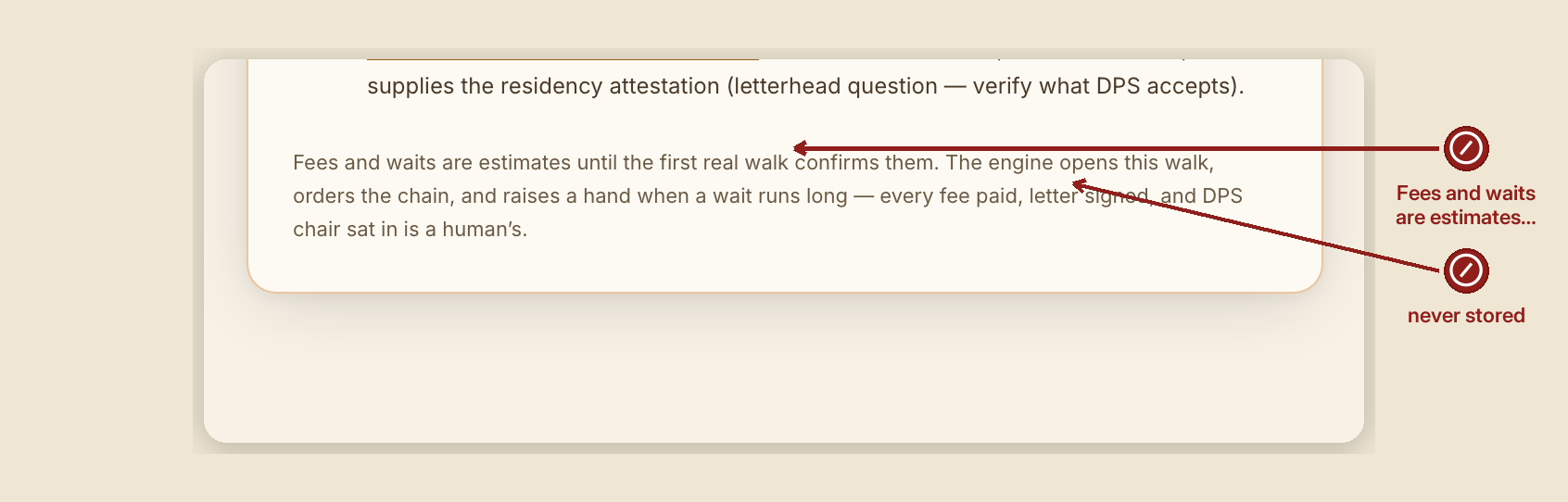
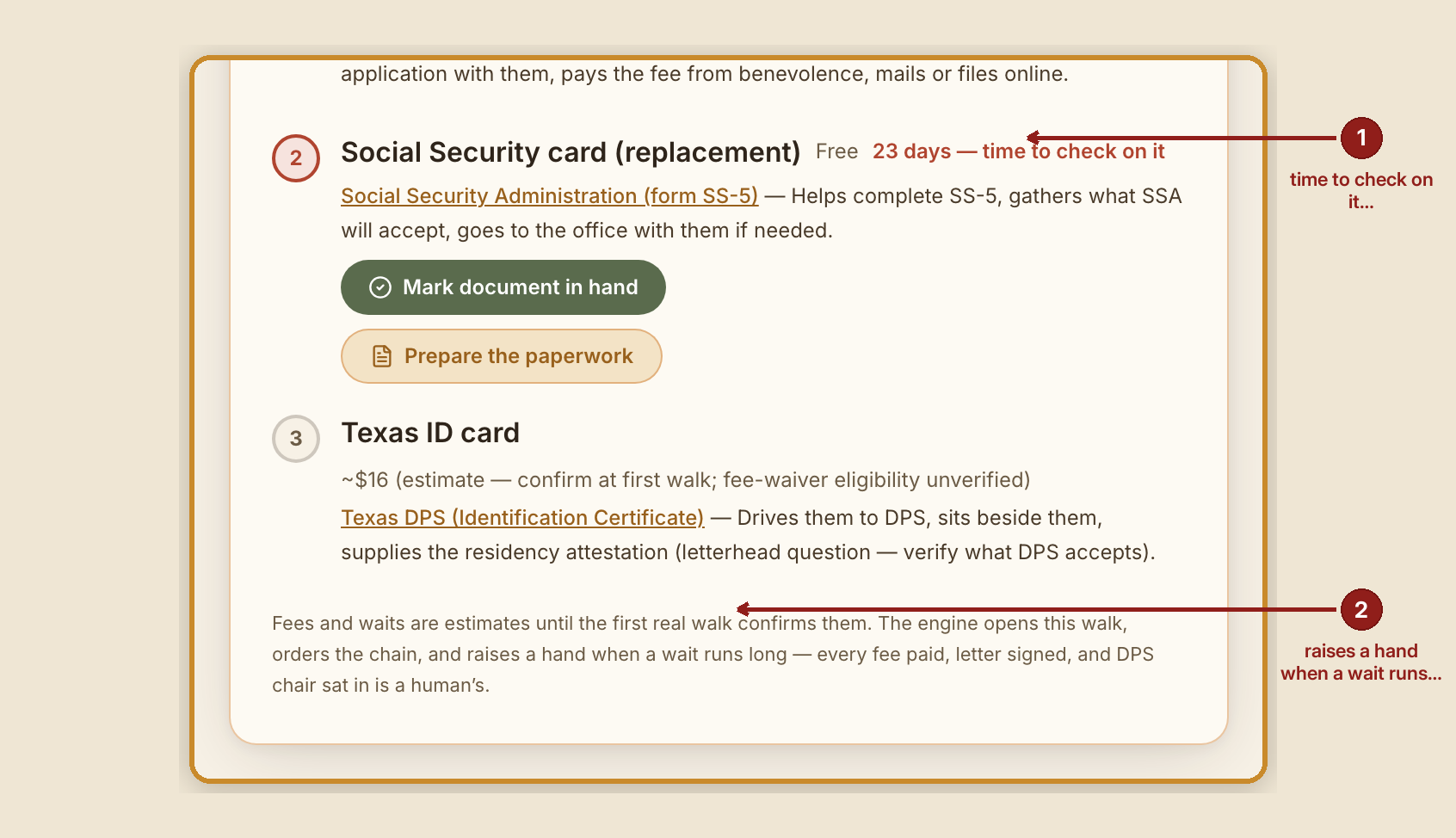
- Don't assume a fee or wait is exact. They're labeled estimates until a real walk confirms them, on purpose.
What GraceBridge records — and what it never does
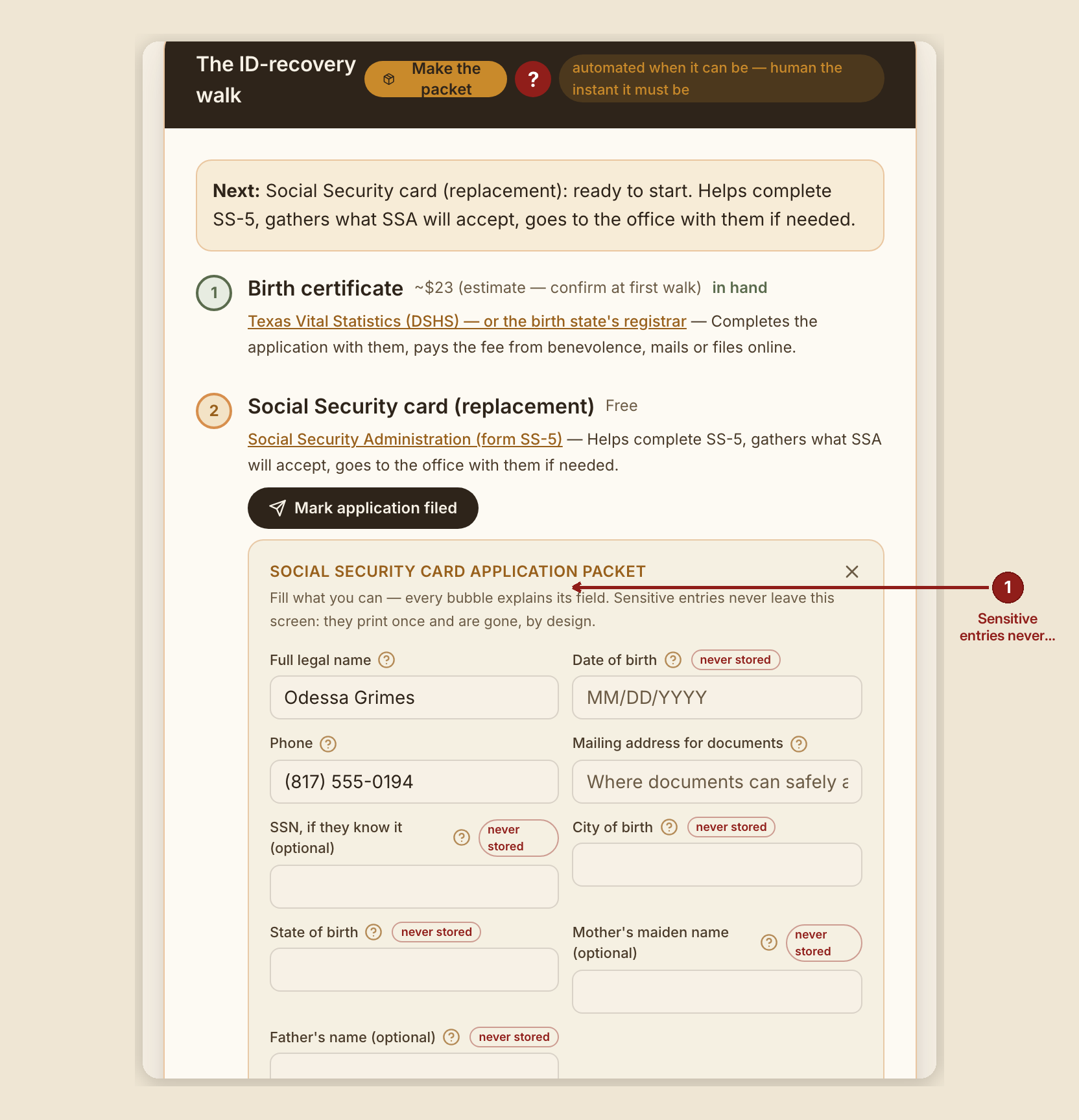
Only a receipt reaches the server when you make a packet: the case id, how many pages, and which links got a filled form. No field value you typed — no name, no date of birth, no SSN — ever leaves your browser.
When something goes wrong
- A field couldn't be filled automatically: "That didn't work — use the official link instead." The printed packet still carries the official address and a fully filled data sheet.
- A government form couldn't be fetched from the agency's own site on demand: the affected page in the packet reads "{form} — form to be filled by hand" with instructions to use the official link on the previous page instead, and bring the packet along regardless — nothing else about the packet is lost.