

Providers and resources
What this screen is for
Two different things live under this one guide page: how a church or organization signs up to be a provider (/providers, public), and how a volunteer matches a case to a provider or a public resource from the case page itself.
Signing up as a provider — what you see, in the screen's own labels
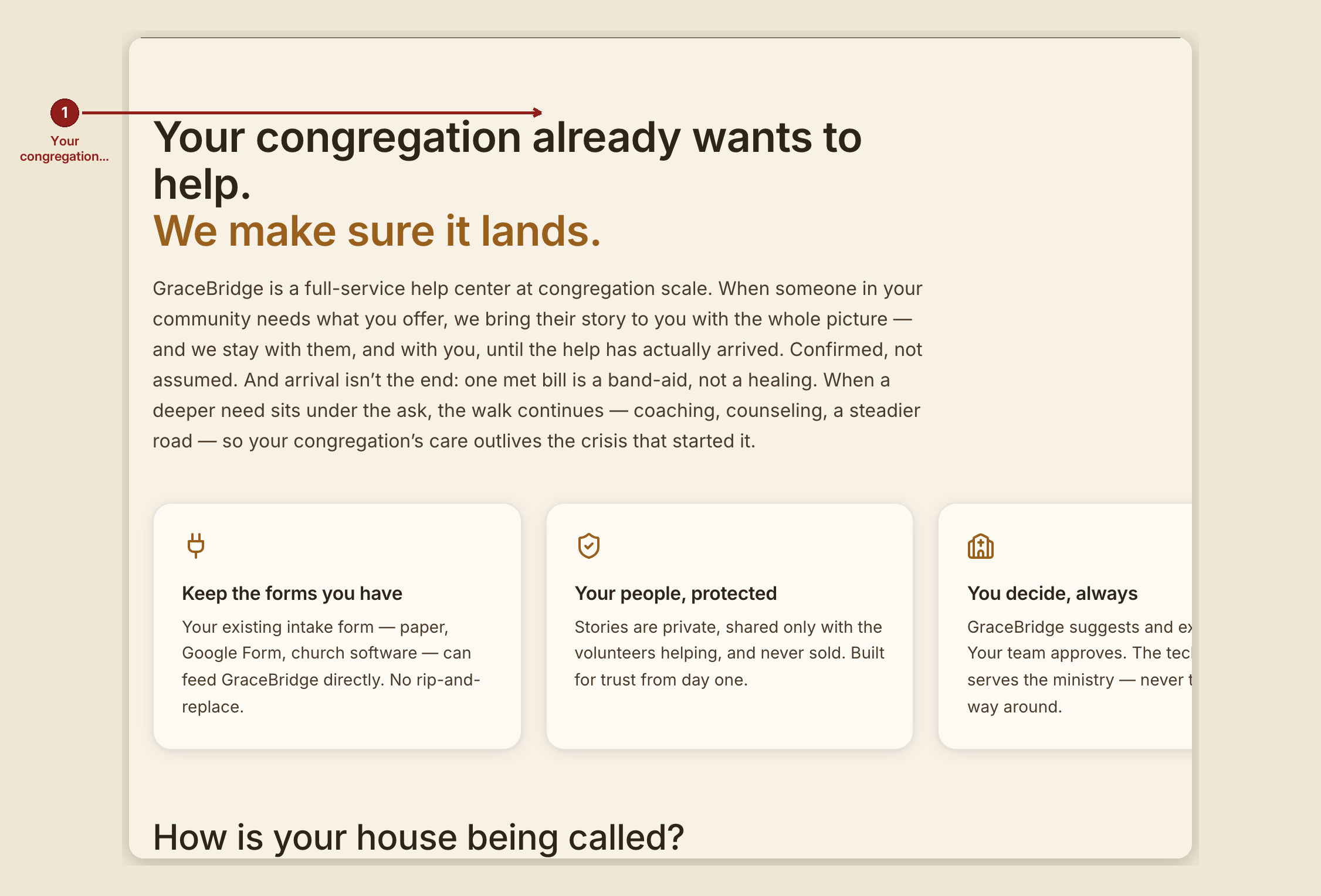
- H1: "Your congregation already wants to help. We make sure it lands."
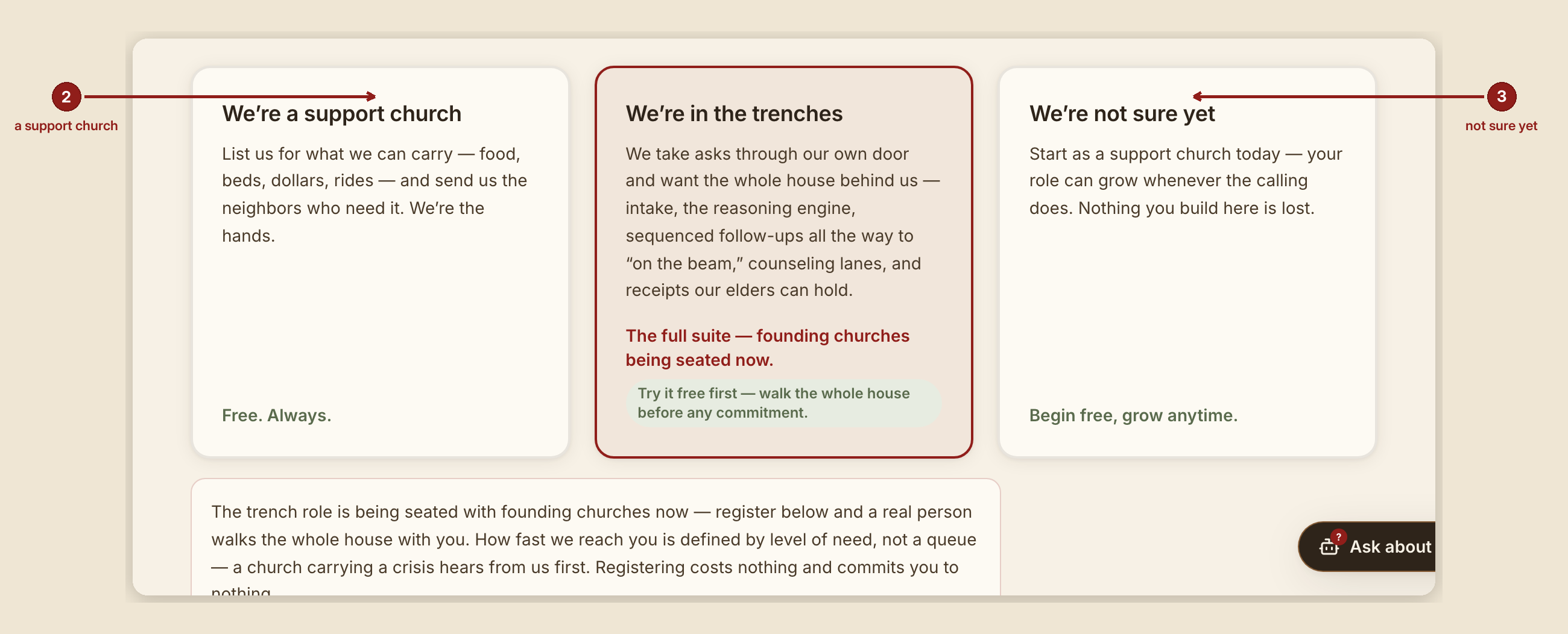
- "How is your house being called?" — three cards: "We're a support church" (free, always), the full-house / founding-church track, and "We're not sure yet."
- Form section: "Tell us about your organization." Fields: organization name, contact email, which categories of help you can offer (13 categories, plus an "Other" box that asks what that help is), the area you serve, city and ZIP, how much you can carry at once (in your own words), and any requirements. Submit button: "Start the conversation."
- On a demo house, the form fills itself with a fictional example church — this is demonstration behavior only, never real data.
What to do
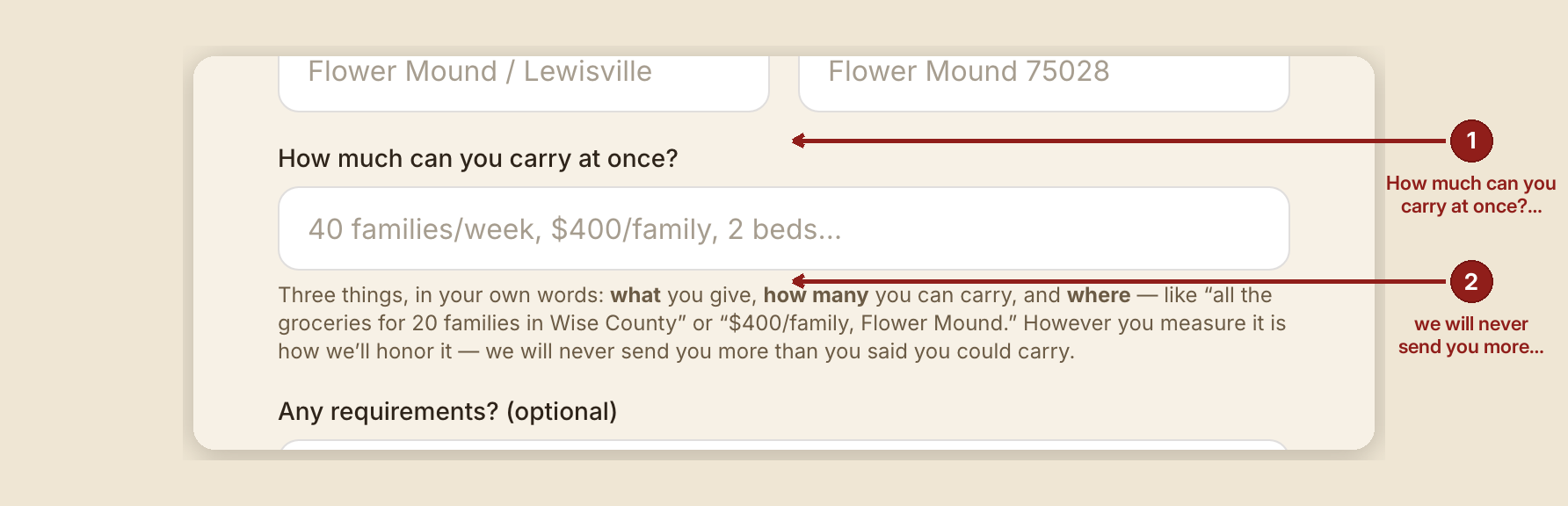
- Register honestly about capacity. GraceBridge's own promise is: "However you measure it is how we'll honor it — we will never send you more than you said you could carry."
- Expect a human follow-up, not an automatic activation of services — registering is the start of a conversation, not a commitment.
Matching a case to a provider — the case-page side
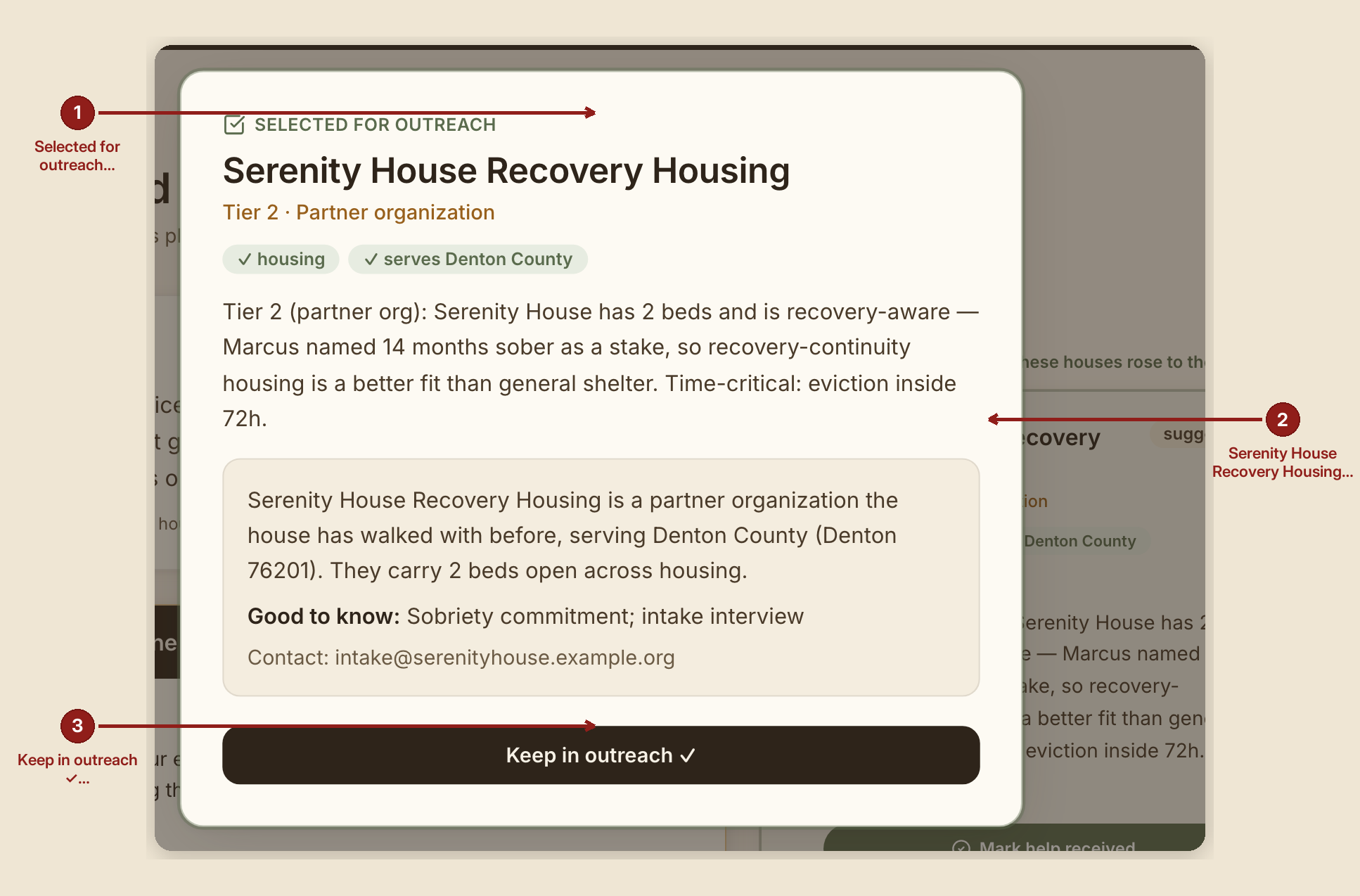
On a case page, under "Suggested matches," houses that could carry this need are shown in three tiers, each with a written reason. Check a box on a card and it animates into a spotlight overlay labeled "Selected for outreach," with a confirm button "Keep in outreach ✓." Tap "About this house" for a provider's bio, area, and capacity.
For a substance-use handoff specifically, a card reads: "Directory listing — the person contacts this program themselves. GraceBridge does not refer or schedule (42 CFR Part 2)."
Never a dead end — community resources
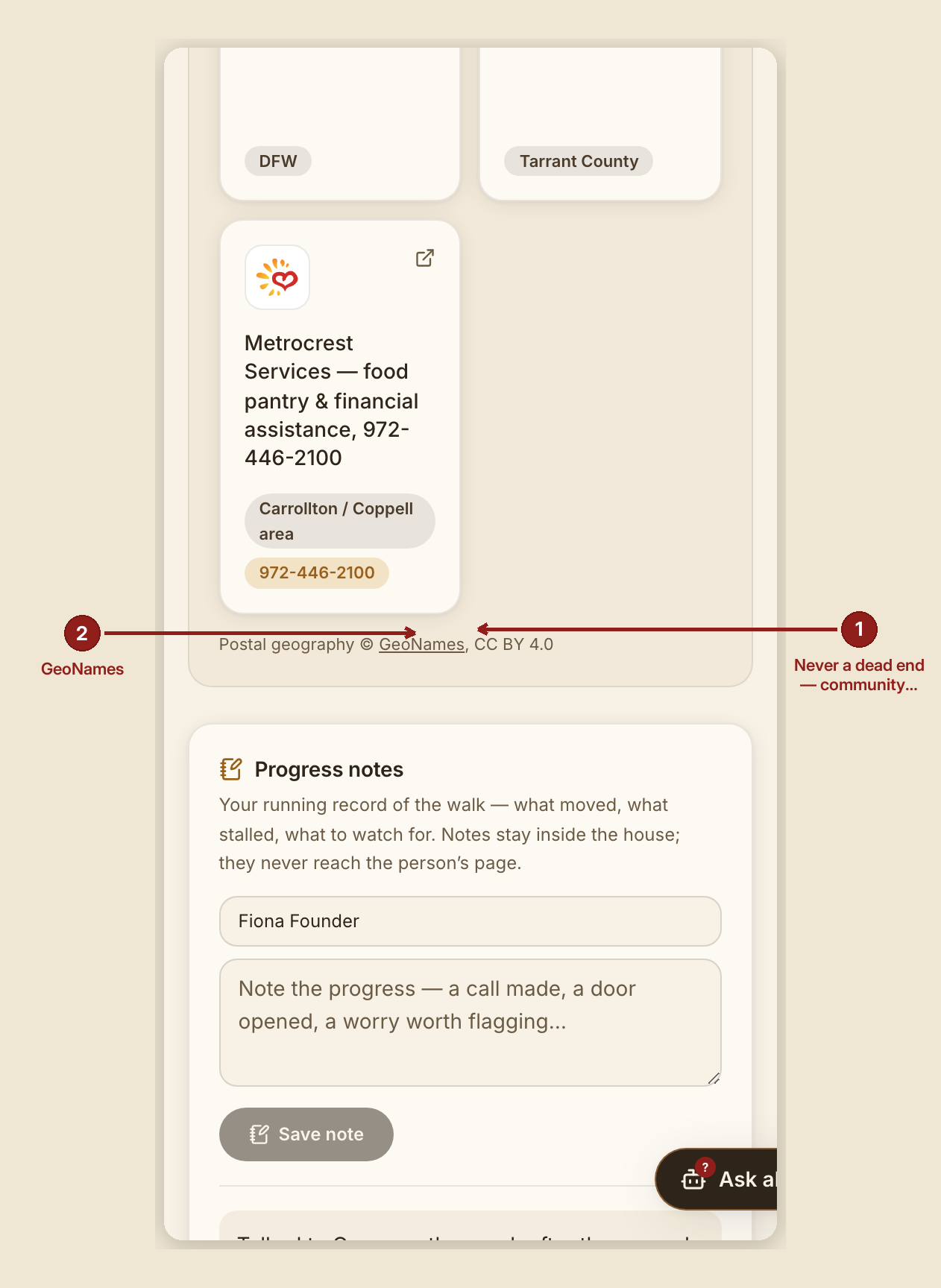
Also on the case page, "Never a dead end — community resources" lists real, public resources for each of the case's needs — always shown, so a case never ends in a shrug even when no provider in the network fits. Every tile links out to a real external resource. Postal geography in this section is attributed: "Postal geography © GeoNames, CC BY 4.0."
What NOT to do
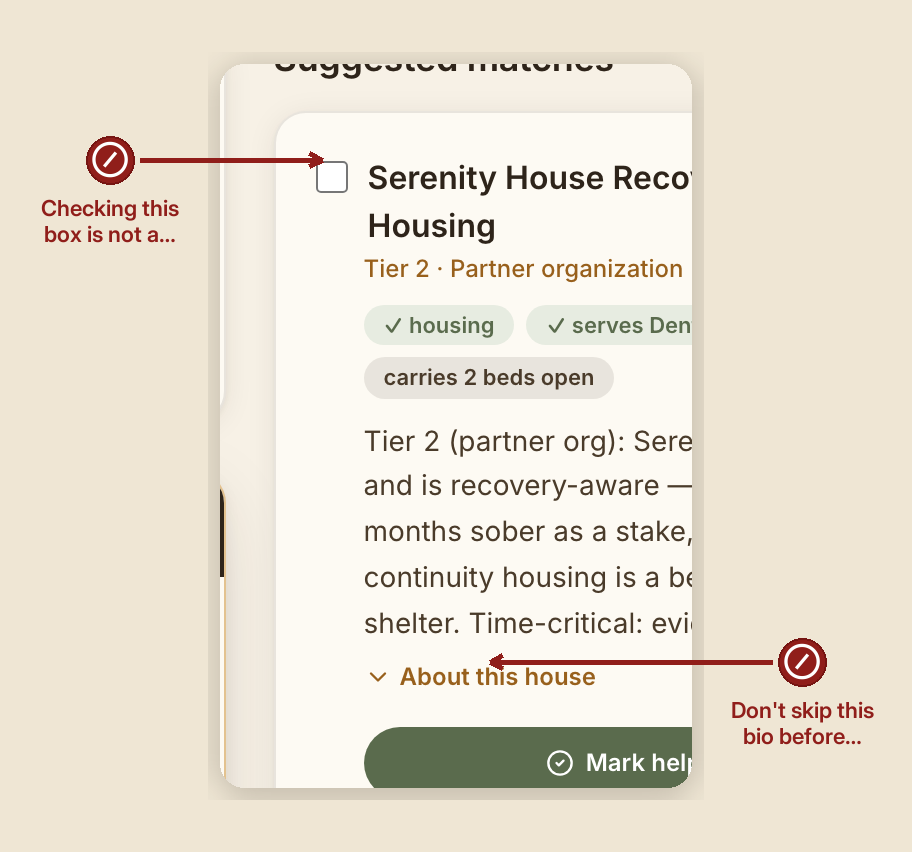
- Don't treat a suggested match as a committed referral. A human always approves every single match — nothing here auto-commits a provider or a person to anything.
- Don't skip the "About this house" bio before reaching out. It's there so you know a provider's actual capacity before you ask.
When something goes wrong
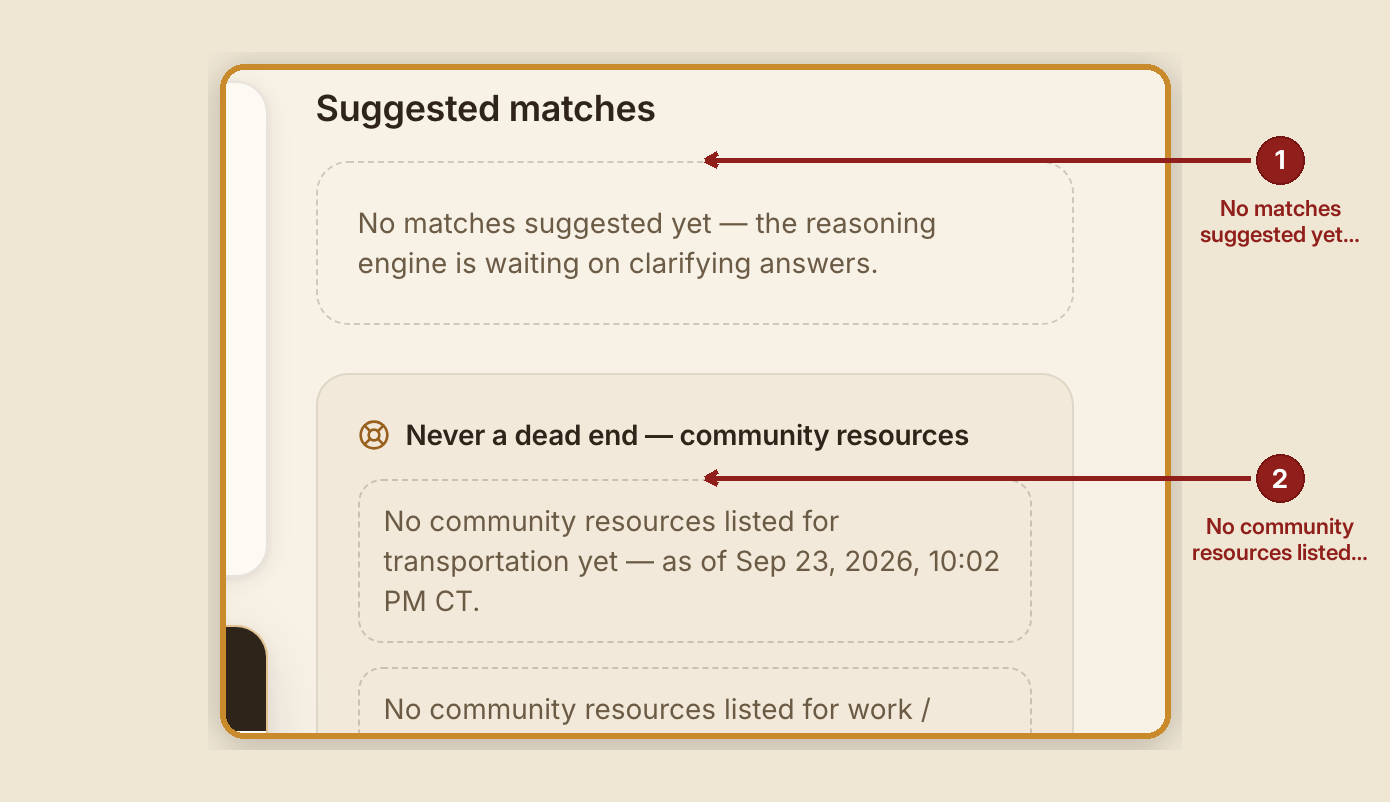
- No matches are suggested yet: "No matches suggested yet — the reasoning engine is waiting on clarifying answers."
- No community resources for a given need: "No community resources listed for {need} yet — as of {date}."
- A provider registration is missing required fields: "Required: org, contact, and at least one service category."