

Report: The Found Ledger
What this screen is for
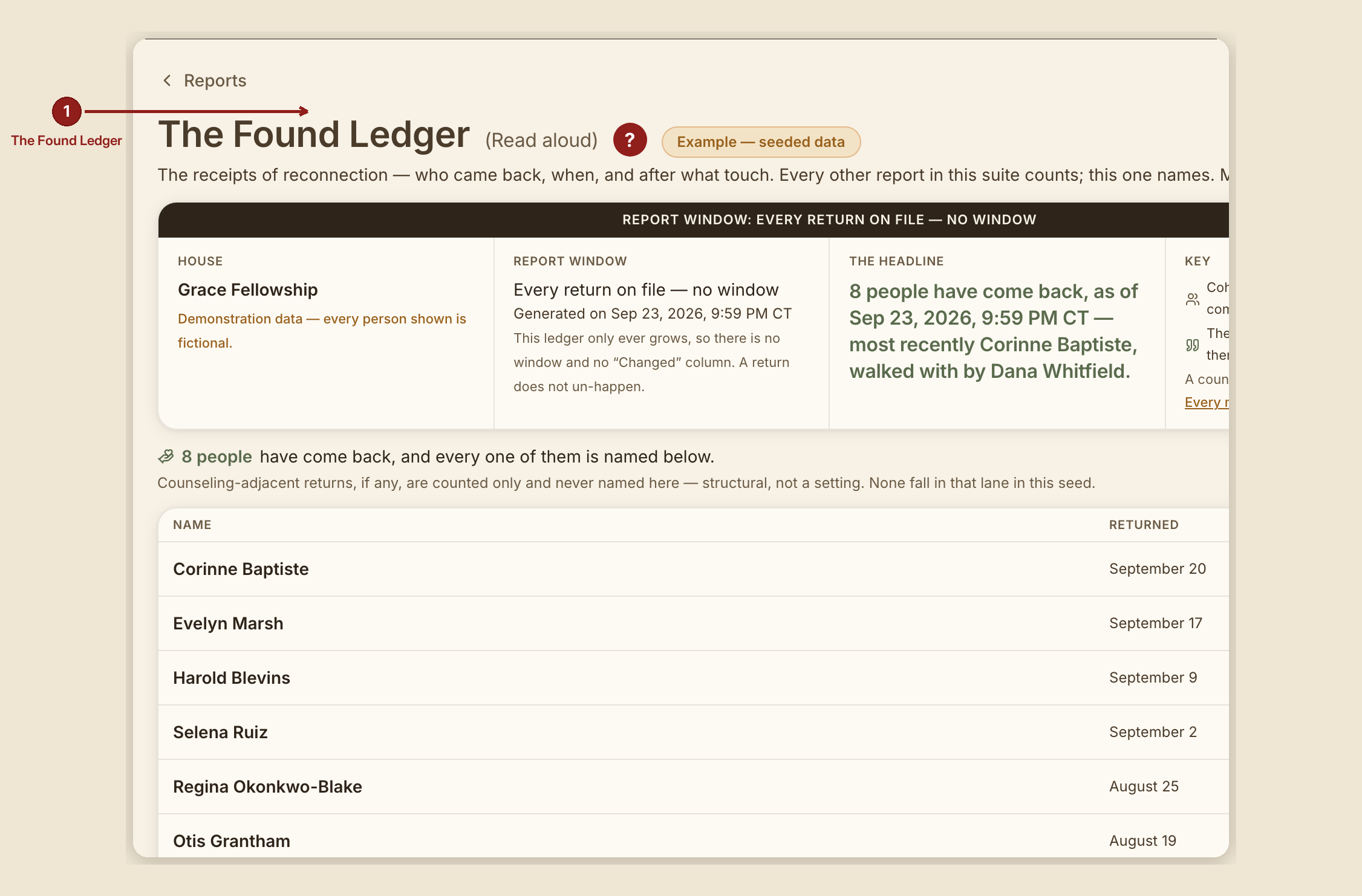
The Found Ledger (/dashboard/reports/found-ledger) is the one report in this suite meant to be read aloud. Every other report counts; this one names — the receipts of reconnection, who came back and after what touch.
What you see, in the screen's own labels
- H1 "The Found Ledger (Read aloud)."
- No scorecard strip. The report's own header comment says why: "Eight names are not a scorecard." No rate block, no ranking, no Changed column, no reason table either.
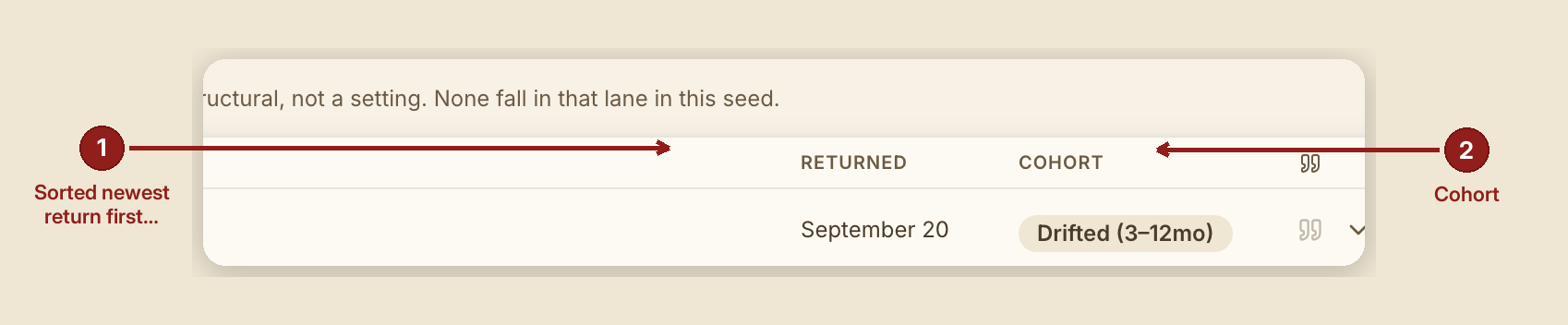
- Table columns: Name · Returned · Cohort, plus a quote icon meaning "their own words on file."
- Sorted newest return first — the list opens on the most recent return, never on a "worst" case, because there is no worst case on this page.
- A note on counseling-adjacent returns: they're counted only and never named here — structural, not a setting.
- A refusal note on rates: "THIS PAGE SHOWS NO RATE AGAINST ANOTHER POPULATION" — the report deliberately does not compute "{n} of 73" against another report's cohort sizes, calling that "inventing a join that does not exist."
What to do
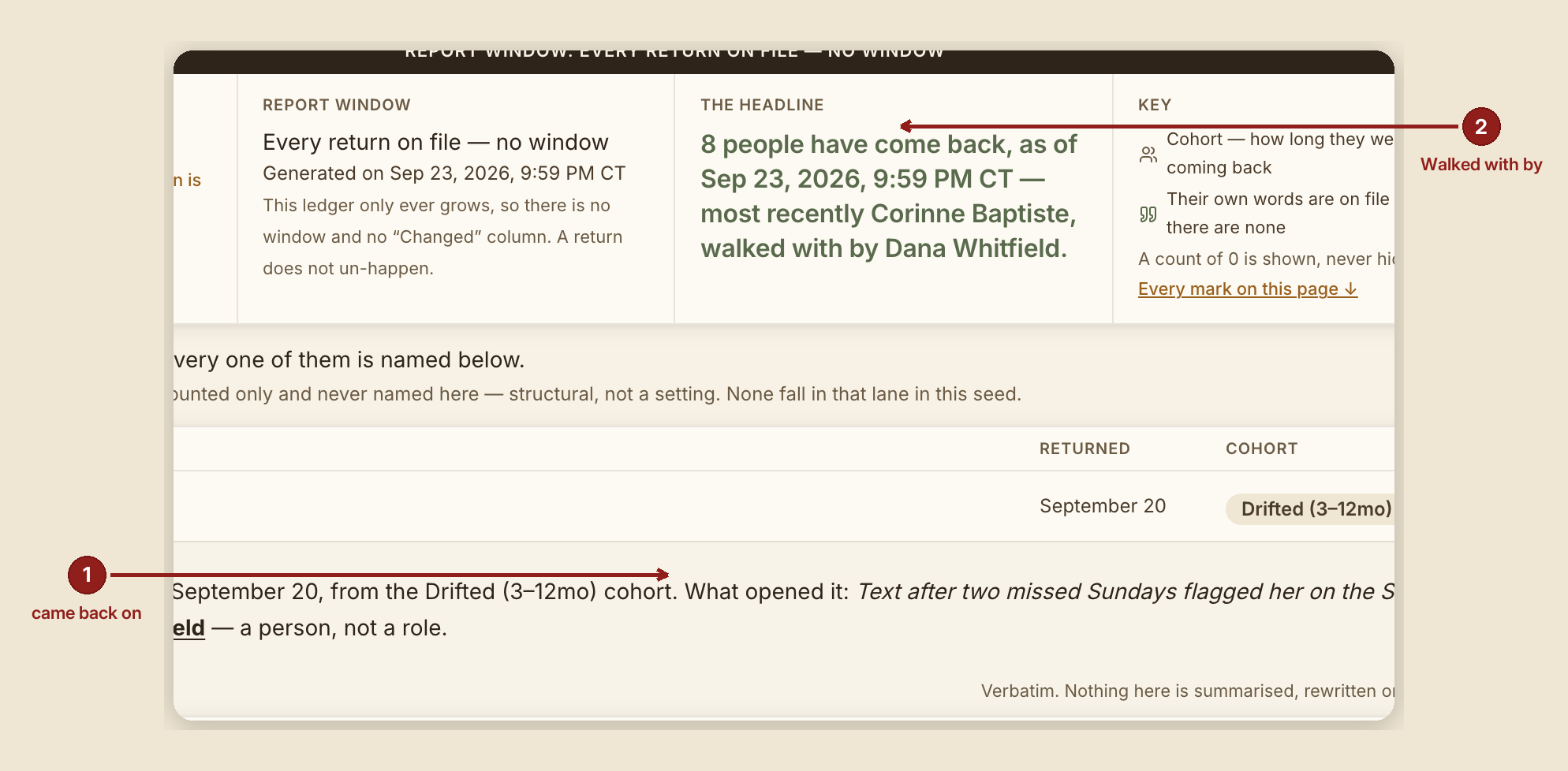
- Read this one aloud in a meeting. It's built for that — names, not metrics.
- Cross-reference cohorts with "They're back!" if you want the surrounding numbers; the Found Ledger deliberately won't compute that join for you, to avoid inventing a relationship the data doesn't actually support.
What NOT to do
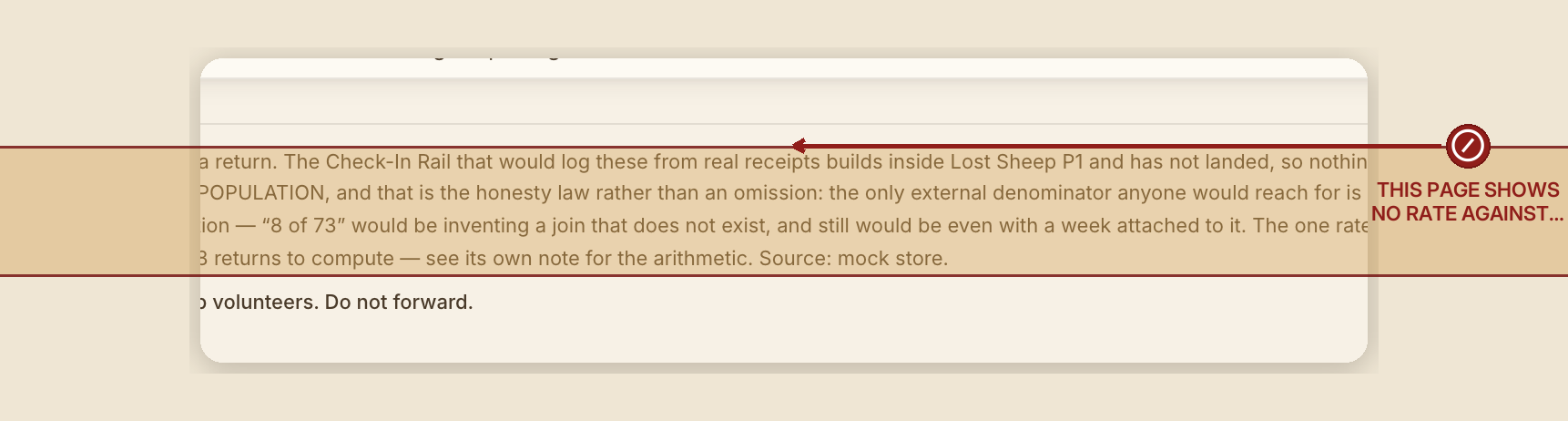
- Don't expect a rate or percentage here. This report refuses to manufacture one against a population it can't honestly join to.
- Don't look for a severity tier. There isn't one — a name on this page is a name, not a score.
When something goes wrong

- Nobody has come back yet: "0 people have come back yet, as of {date} — an honest zero, not a blank. When somebody does, their name goes here, and the ledger only ever grows."
- Someone has: "{n} people have come back, and every one of them is named below."