

Client portal and Check my request
What this screen is for
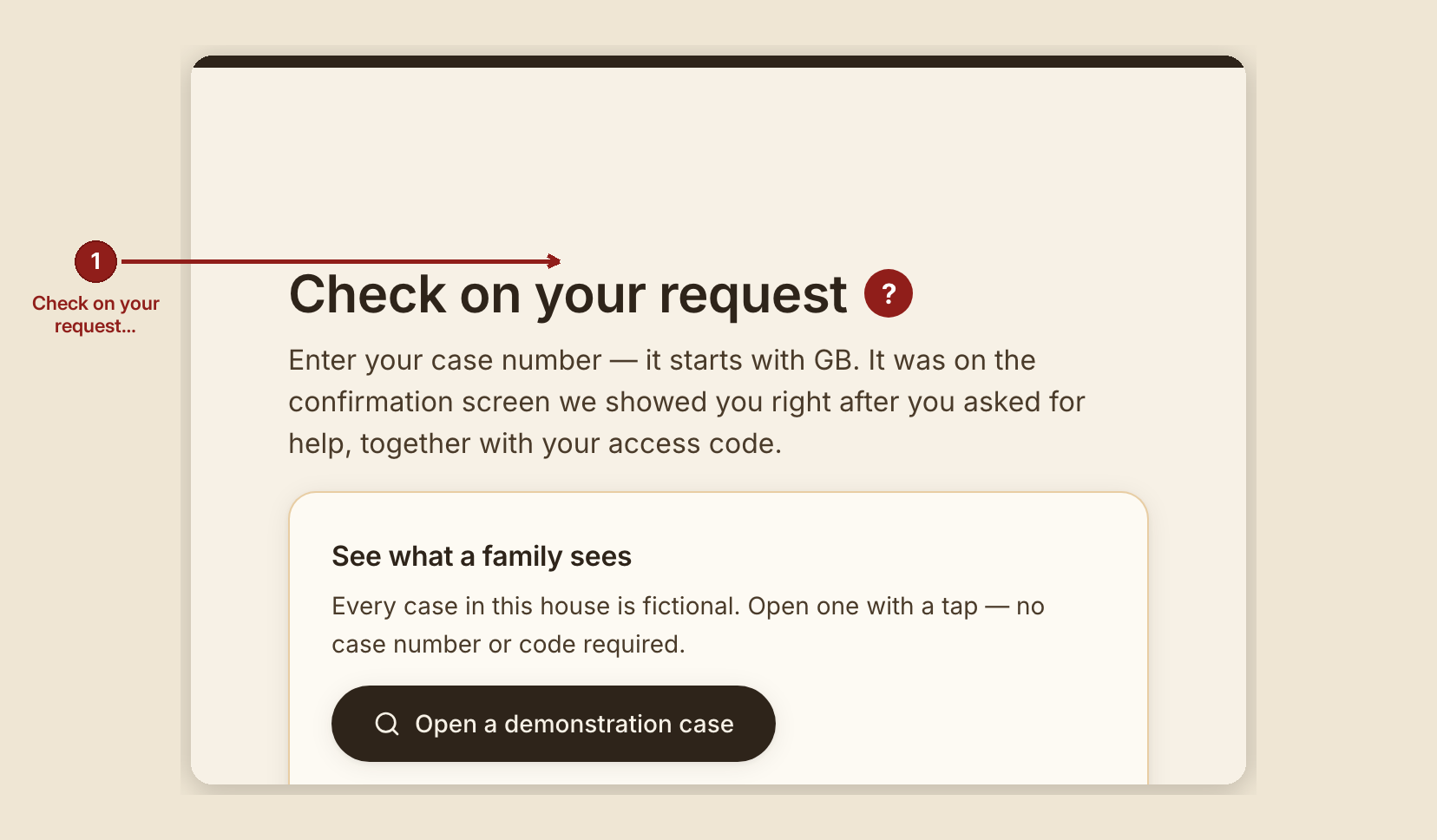
This is where the person who asked for help checks on their own request — no account, no sign-in, just a case number and an access code (or a mailed check-in link that carries both automatically). The header link that leads here reads "Check my request"; the page itself is headed "Check on your request."
What you see, in the screen's own labels
- "Check on your request" — the page heading.
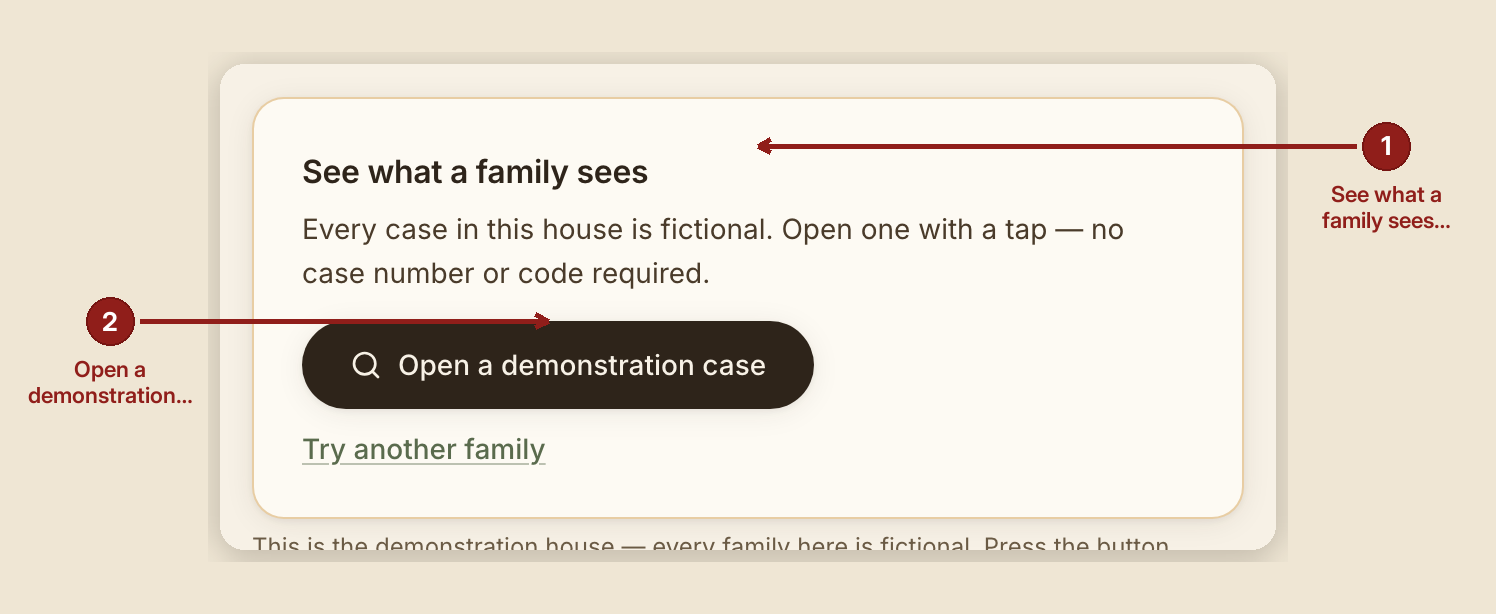
- On a fictional house only: a "See what a family sees" card sits above the form. Its "Open a demonstration case" button fills in a real, working case number and access code and looks it up immediately — no typing required. A second link, "Try another family," rotates to the next open demonstration case. Neither appears on a real house.
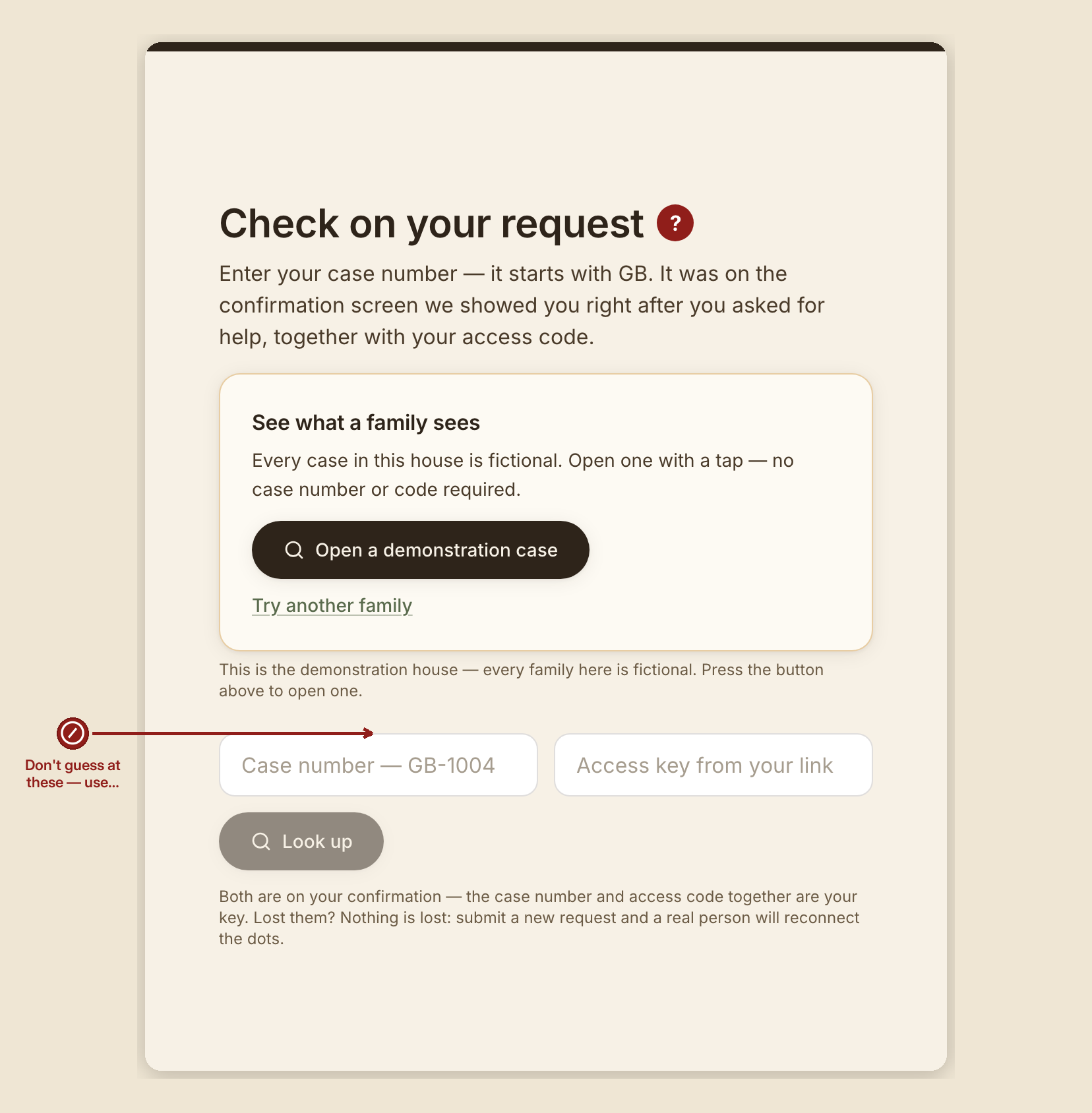
- Fields: a placeholder "Case number — GB-1004" and "Access key from your link," with a "Look up" button.
- If this device already remembers a case number from a previous visit: "Welcome back — we remembered your case number on this device. Just add your access code." The access code itself is never remembered on the device — that's the key, so it's never stored automatically.
- Once looked up: "Hi {first name} — here's where things stand," and one plain-language status sentence, for example: - "We received your request. A real person will pick it up soon." - "A volunteer is on your case. Answering the questions below helps us find the right help faster." - "Good news: we've found help that looks like a fit. A volunteer is arranging it." - "Help has arrived and been confirmed — a mile marker, not a goodbye. If there is a deeper need underneath the ask, we would be honored to walk that with you too."
- "A couple of gentle questions" — if any are waiting, with: "Answer what you can — even a rough guess helps. Skip anything you'd rather not answer." Button: "Send my answers." Confirms with: "Got them — thank you. Your volunteer sees these right away."
- If a counseling invitation has already been carried to you in person by a volunteer, a booking panel appears here — never before that.
What to do
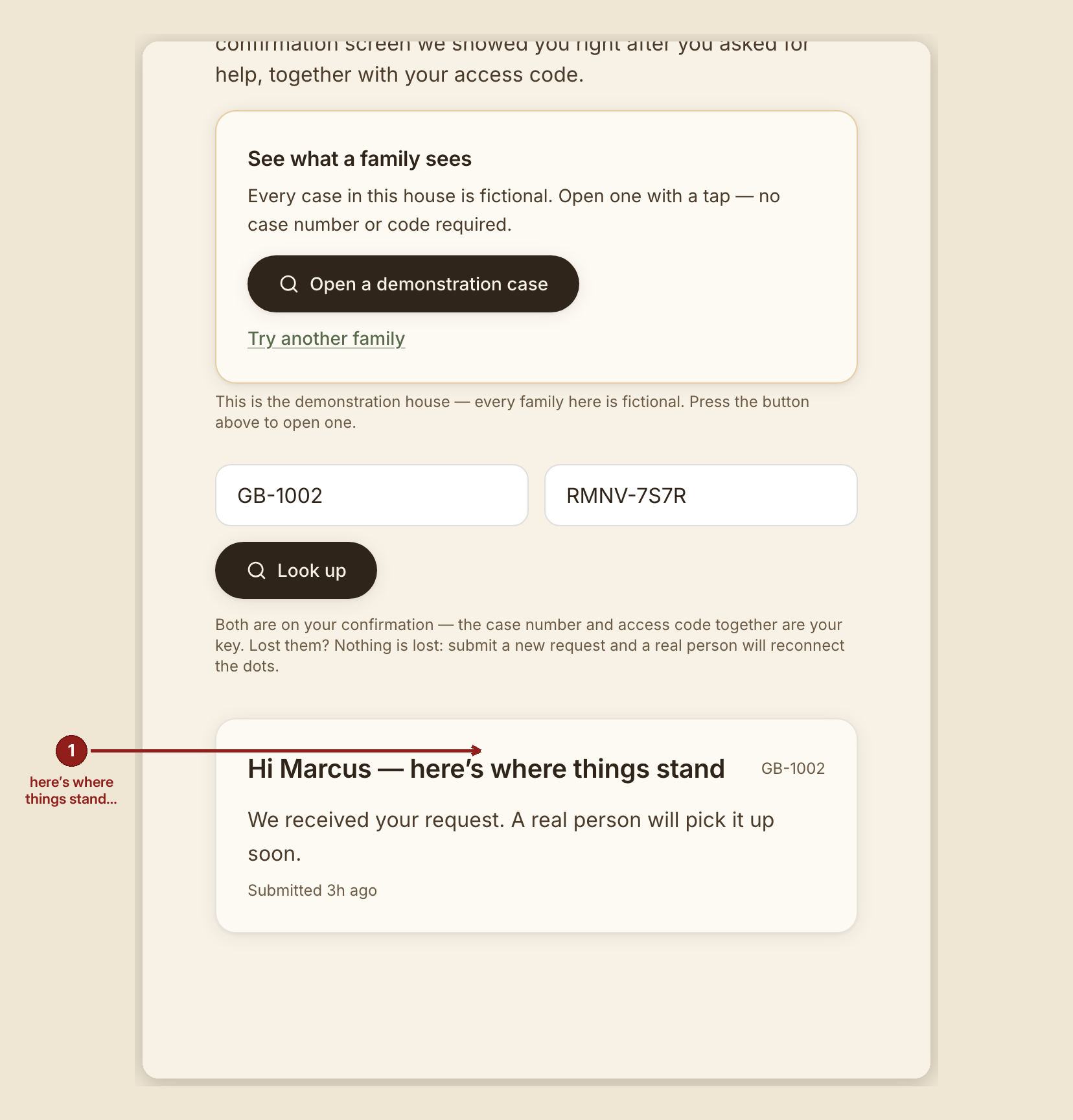
- Look yourself up any time, at your own pace — you can answer questions from your phone, at any hour.
- If a session was booked and you missed it, don't worry about it — the page itself says: "We missed you — no trouble at all. Life happens — your seat stays open. Pick a new time below whenever you're ready."
What NOT to do
- Don't expect to see anything beyond your own status here. This page never shows a volunteer's private notes, the reasoning engine's internal read, which organizations were suggested or why, or the full case timeline — those stay inside the house.
- Don't worry that losing your case number or access code loses your case. It doesn't: "And if you lose it, nothing is lost — a real person has your name and number, and we come find you."
When something goes wrong
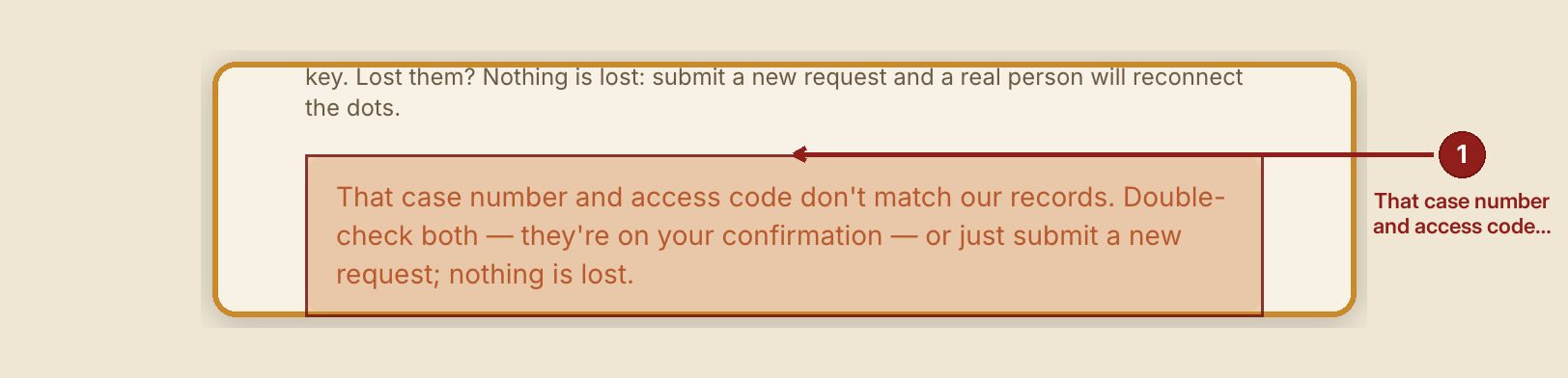
- Case number and access code don't match: "That case number and access code don't match our records. Double-check both — they're on your confirmation — or just submit a new request; nothing is lost."
- A malformed case number: "That doesn't look like a case number — it starts with GB-."
- A check-in link has expired or been withdrawn: see Check-in links for exactly what you'll see and what happens next.
Volunteer note. If someone loses both their case number and access code, you can read the access code back to them from their case page — it's the portal code shown in the case header.