

The ID Walk
What this screen is for
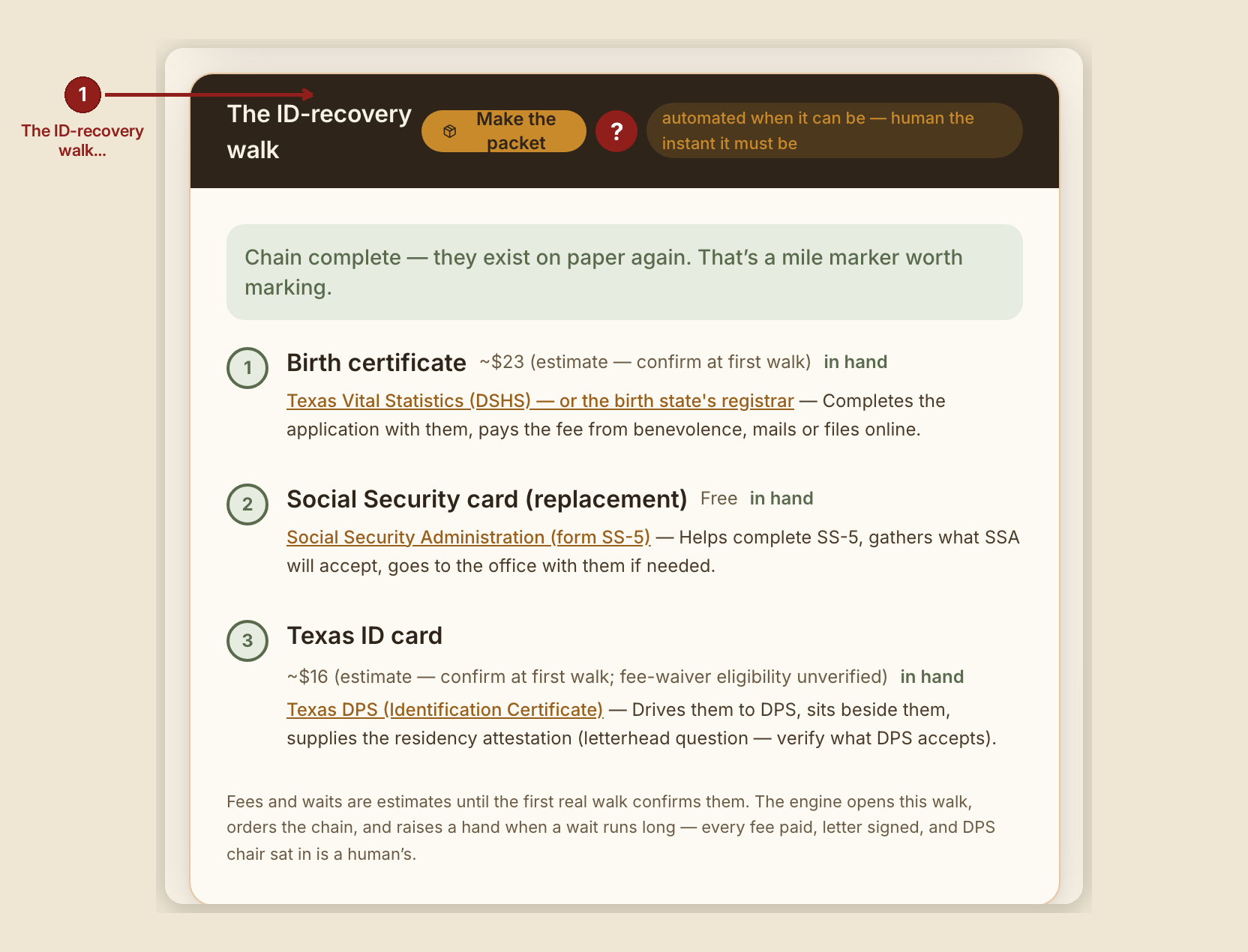
A person with no identification can't rent, work, cash a check, or prove who they are to the offices that could help them. The ID Walk is the "The ID-recovery walk" panel on a case page: it tracks the three-document chain that gets someone's identity back, in the only order that actually works, and raises a hand the moment an agency is taking too long.
This page folds in the original ID Walk User Guide (GB-C152) — the full PDF is still linked at the bottom of this page for printing.
The chain — three links, one order
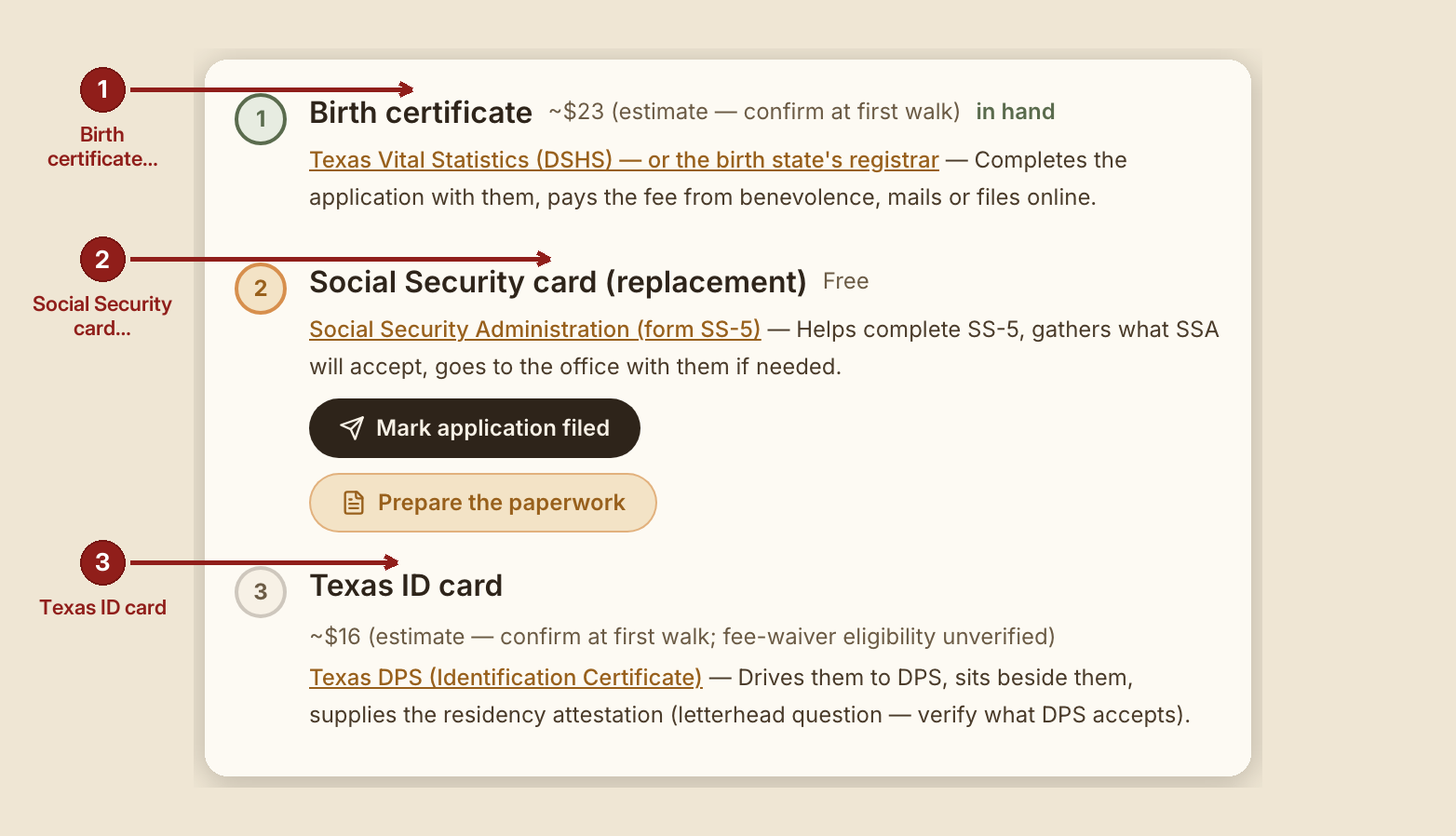
- Birth certificate — Texas Vital Statistics (DSHS) or the birth state's registrar. Estimated fee and wait shown on screen, labeled as estimates until a real walk confirms them.
- Social Security card — Social Security Administration, form SS-5. Needs link 1 in hand first. A replacement Social Security card is free — anyone charging for one is running a scam.
- Texas ID card — a Texas DPS office visit. Needs links 1 and 2 in hand first.
GraceBridge won't suggest the Social Security step until the birth certificate is actually in hand, and won't suggest the DPS trip until both earlier documents are. That ordering isn't fussiness — it's the difference between one trip and four.
What you see, in the screen's own labels
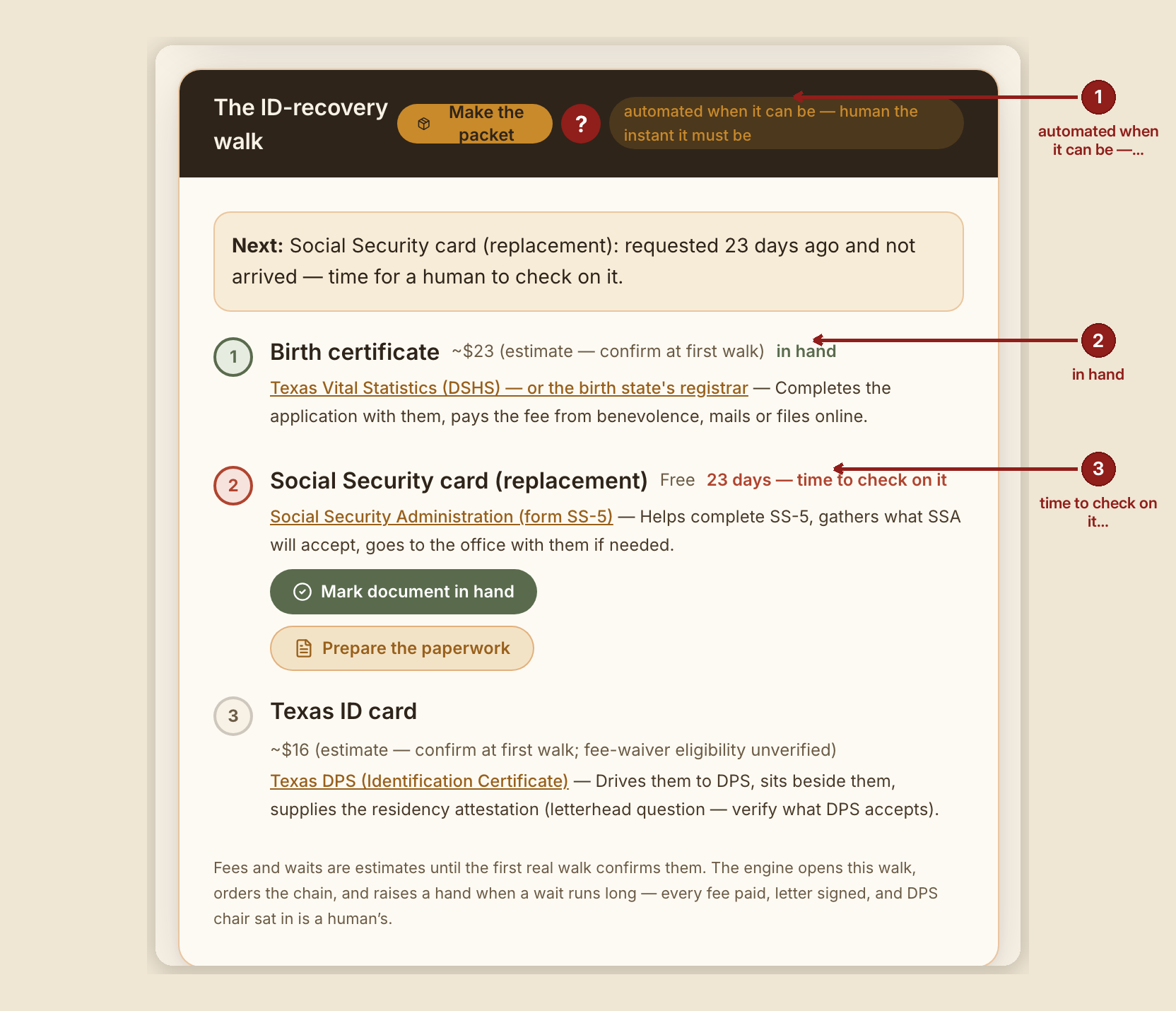
- "The ID-recovery walk" heading, with the red "?" badge and a pill reading "automated when it can be — human the instant it must be."
- "Next: {the one thing to do}" — or, once every link is in hand: "Chain complete — they exist on paper again. That's a mile marker worth marking."
- Per-link status text: "on its way — day {n} of ~{expected}; the engine is watching" while requested and on time; "{n} days — time to check on it" (in rust/red) once a wait runs past its expected length; "in hand" (in green) once received.
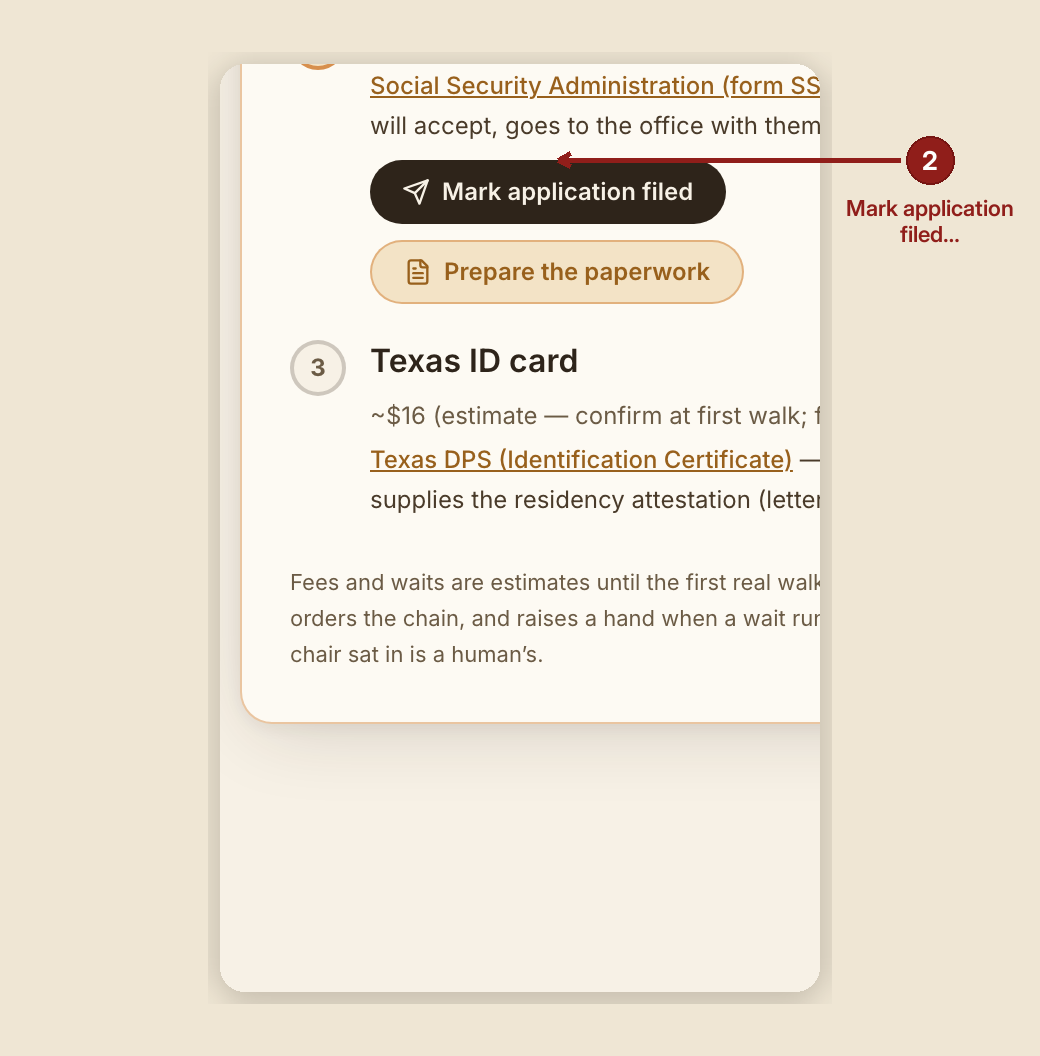
- Two buttons per link: "Mark application filed" and "Mark document in hand."
- A footer note: "Fees and waits are estimates until the first real walk confirms them. The engine opens this walk, orders the chain, and raises a hand when a wait runs long — every fee paid, letter signed, and DPS chair sat in is a human's."
What to do
- Open the case and find "The ID-recovery walk" panel. Read the line that begins Next: — that's today's one step, and only that one.
- Bring a way to print (or a phone that can file online), a way to pay the fee from benevolence, and about forty-five minutes.
- Say at the start: "We'll do one thing today, and I'll stay with you until all three are in your hand."
- Mark each step as it happens — filed, then in hand — so the clock and the chain stay accurate for the next volunteer.
- When a wait runs past its expected length, the case turns red. That is your cue, not the person's. Call the agency together, or refile. Add a note to the case saying what you did.
For preparing and printing the actual paperwork for each stop, see The Make-Ready Packet.
What NOT to do
- Never keep the person's documents — originals or copies — after the sitting. They hold their own papers.
- Never sign anything for them. You may write; they sign.
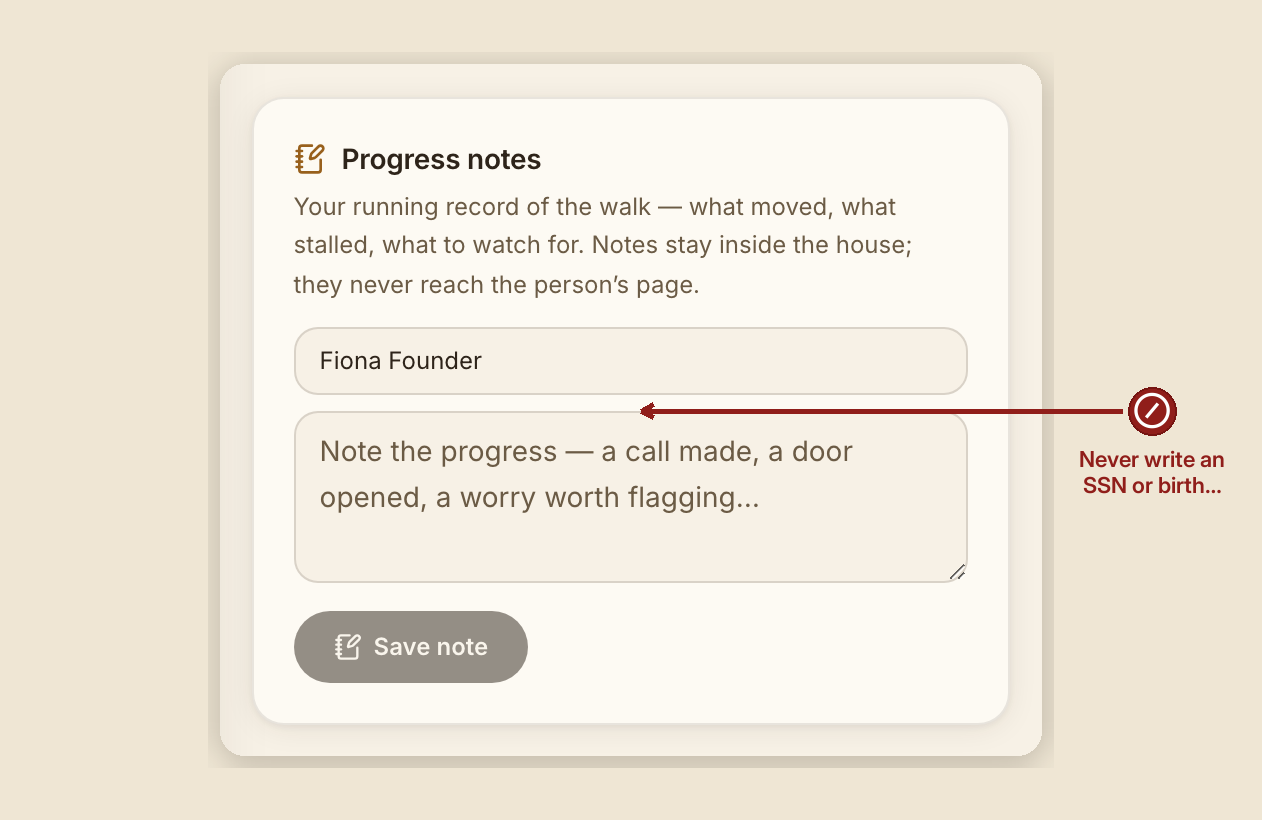
- Never write a Social Security number or a birth date anywhere in GraceBridge — not in a note, not in the story.
- Never send them to an office alone if they'd rather have company. Ask.
- Never promise a date. Say what the agency says and what the clock shows.
Words that help
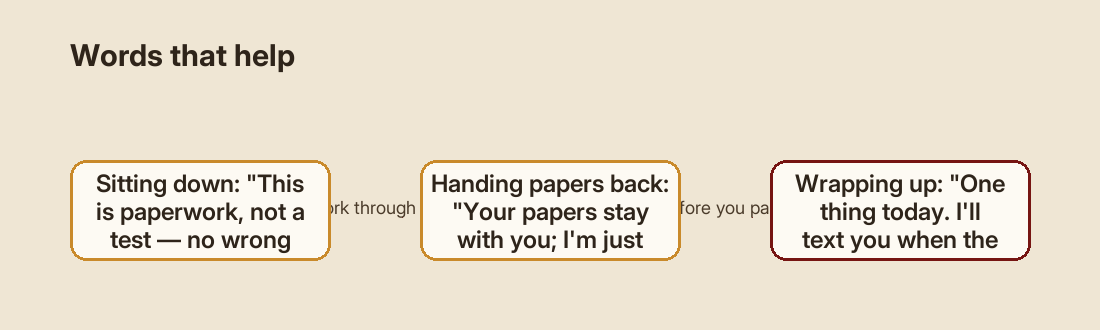
"This is paperwork, not a test — there are no wrong answers, only blanks we'll fill later." · "Your papers stay with you; I'm just here so you don't have to do it alone." · "One thing today. I'll text you when the mail should land."
Where the answers come from
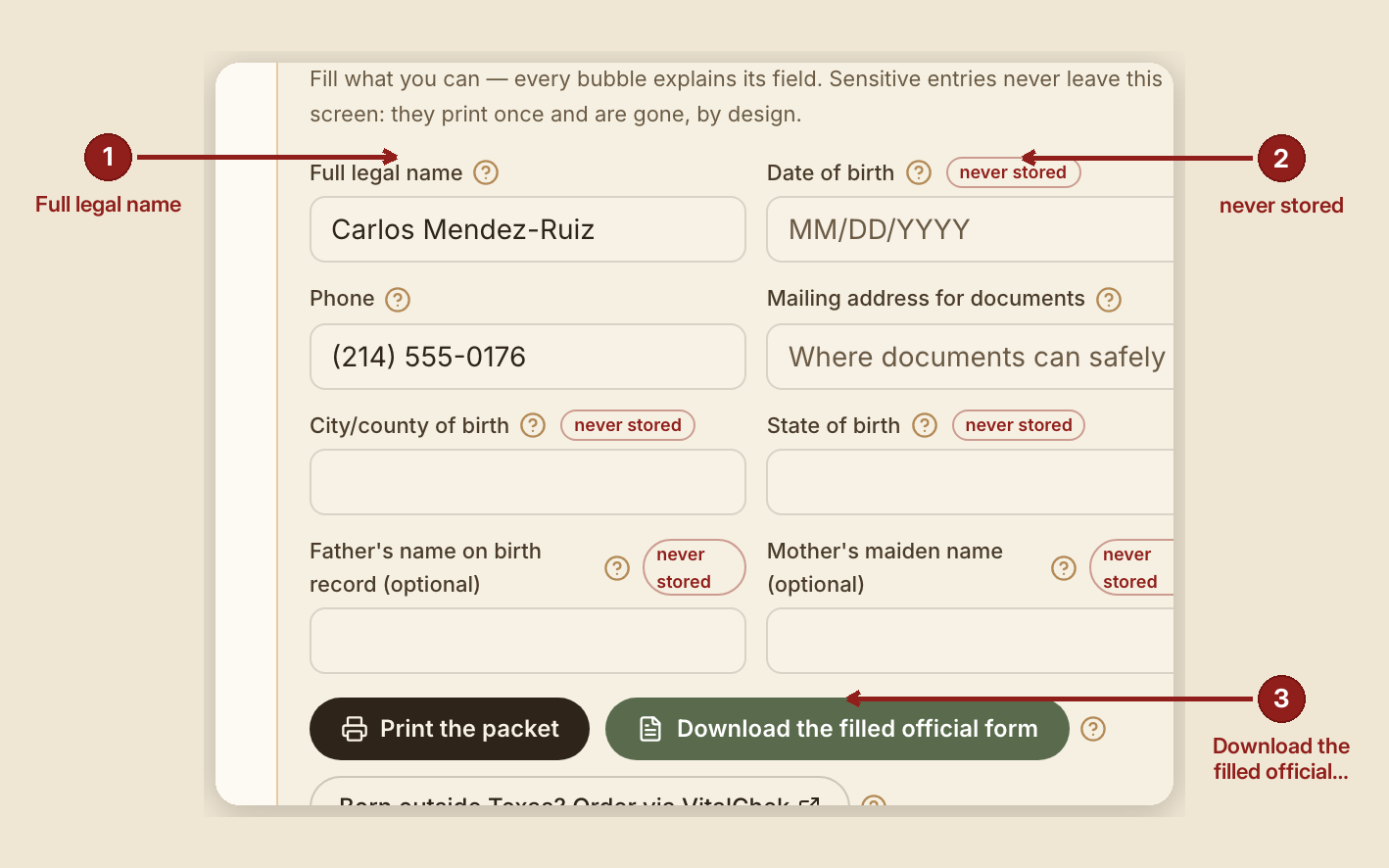
Two sources feed the forms, and GraceBridge keeps only one:
- The case — name and phone, already known. Nothing is retyped.
- The data sheet — date of birth, birth city and state, mother's maiden name, father's name, mailing address, SSN if known. Never stored. These values live in the browser only, get printed, and are gone when you close the tab.
- The official form — the agency's own PDF, filled by label match, to print or file.
When something goes wrong
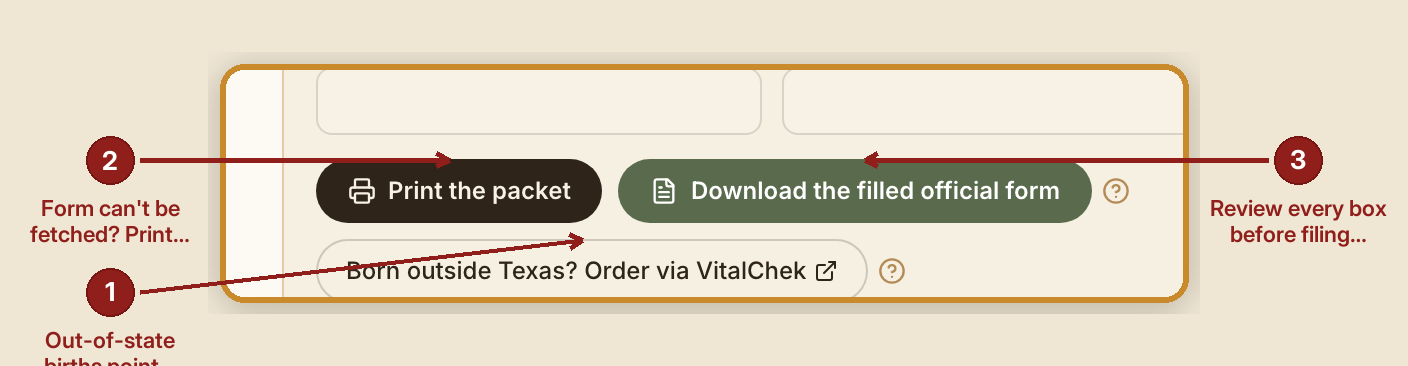
- An agency's own form can't be fetched on demand: the packet still carries the official address and a full filled data sheet — you type rather than click. Nothing is lost.
- Out-of-state births: the packet points you to that state's registrar and to VitalChek, which most states use for online orders. This walk is built around Texas agencies; another state is a conversation with the founder, not a setting.
- Review every box before you file. The form-filler matches fields by name and aims for most of the typing, not perfection. What it can't confidently match, it leaves blank — the printed data sheet covers whatever's left.
Founder note. The residency attestation letter generated for the Texas ID step carries an unverified step by design: confirm with your local DPS office that the letter's format is accepted before the trip. That's the one link in the chain the automation cannot verify for you.
The full printable guide
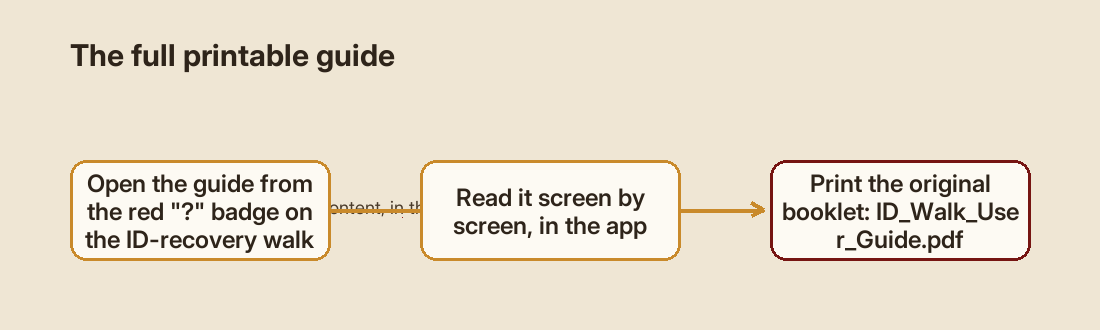
The original, illustrated ID Walk User Guide — the same content in a print-ready booklet — is here: ID_Walk_User_Guide.pdf.