

Report: The ID Walk Board
What this screen is for
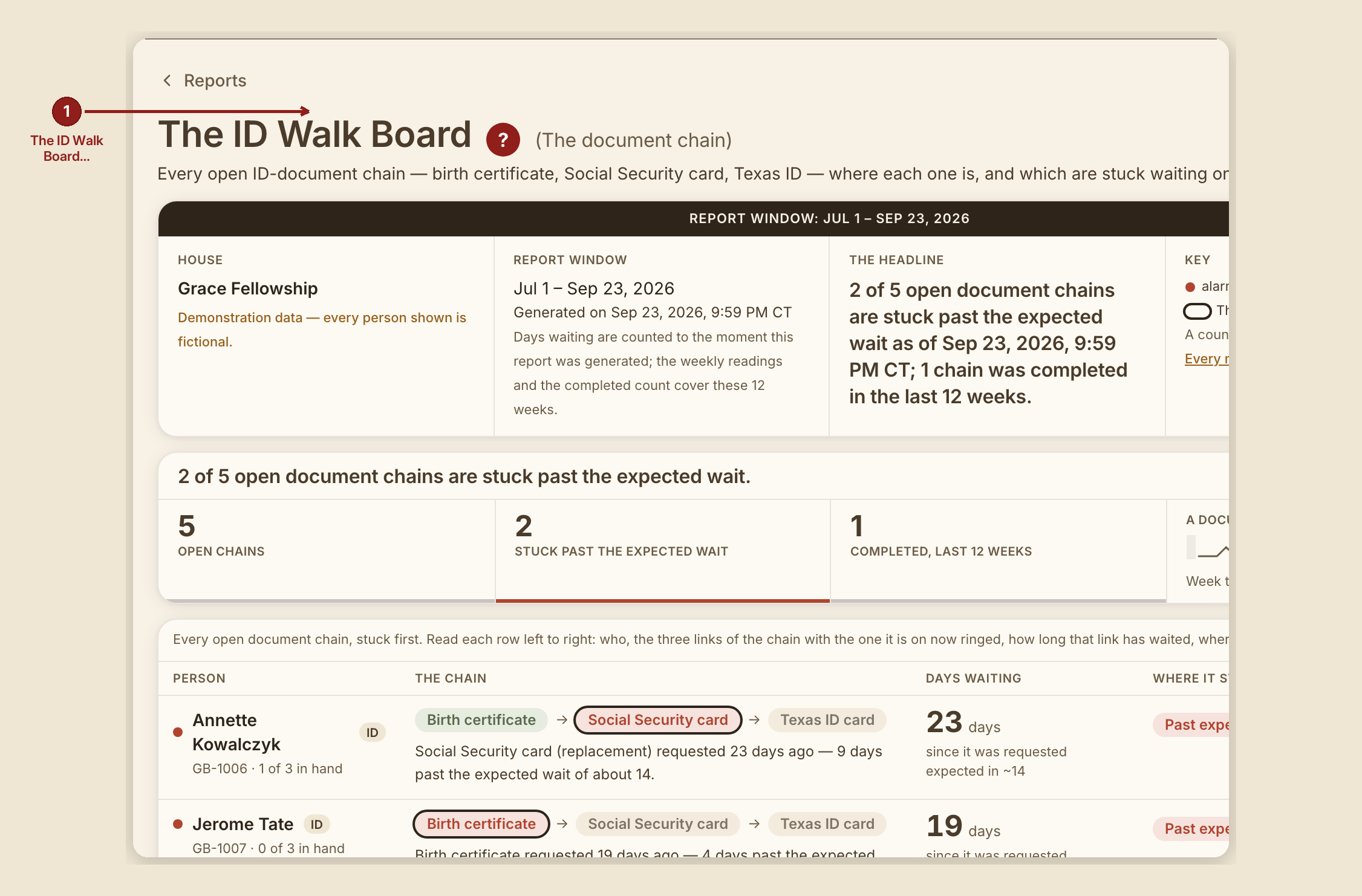
The ID Walk Board (/dashboard/reports/id-walk-board) is the house-wide view of every open ID-document chain — every case walking the birth-certificate-to-Social-Security-card-to-Texas-ID sequence — stuck ones first. For the case-by-case walk itself, see The ID Walk.
What you see, in the screen's own labels
- H1 "The ID Walk Board (The document chain)."
- Intro: "Every open ID-document chain — birth certificate, Social Security card, Texas ID — where each one is, and which are stuck waiting on an agency."
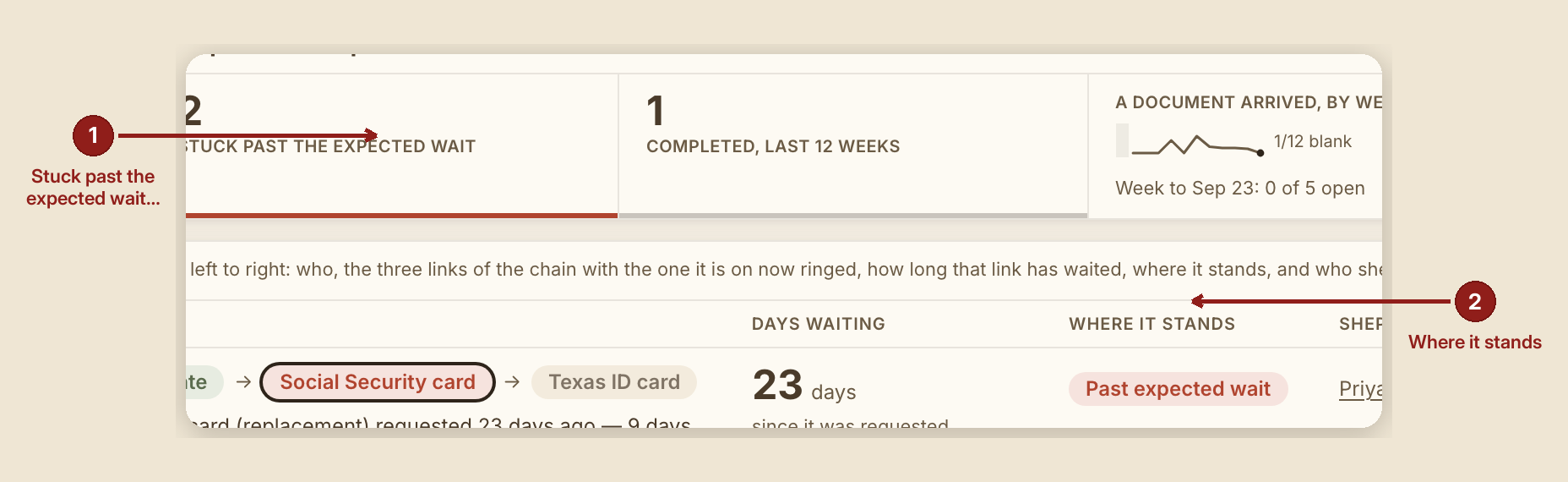
- Band tiles: "Open chains," "Stuck past the expected wait," "Completed, last {n} weeks," and a sparkline labeled "A document arrived, by week."
- Table columns: Person · The chain · Days waiting · Where it stands · Shepherd.
- Caption: "Every open document chain, stuck first. Read each row left to right: who, the three links of the chain with the one it is on now ringed, how long that link has waited, where it stands, and who shepherds it."
- Chain chips read the chain's own label (e.g. "Birth certificate," "SS card," "TX ID"), with the current link ringed.
What to do
- Scan stuck chains first — they're sorted to the top by design.
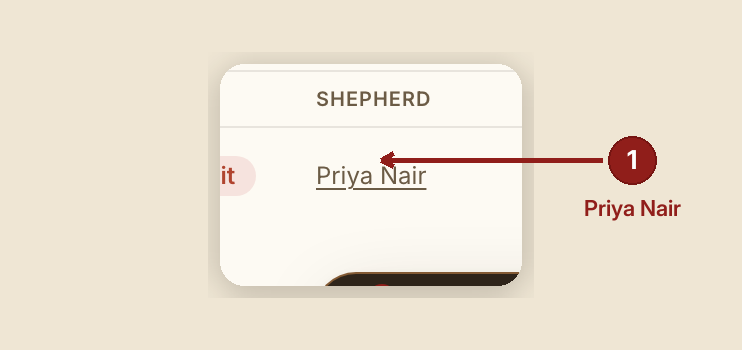
- Click a shepherd's name to open their profile and case load.
- Follow a stuck row to its case to see exactly what's outstanding and mark the next step once it lands.
What NOT to do
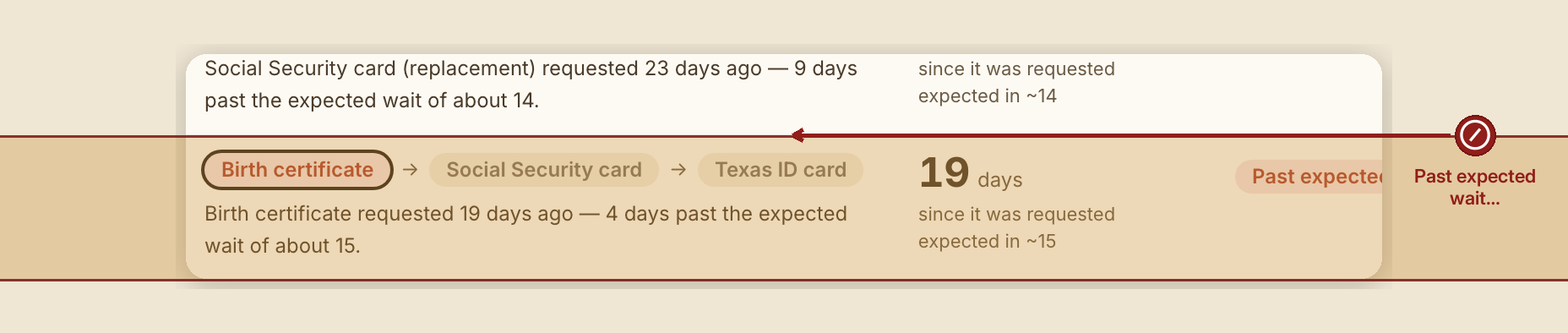
- Don't treat "stuck" as anyone's fault. A red mark here is almost always an agency's mail wait running long, not a volunteer falling behind — it's a cue to check on the agency, not to chase the person.
When something goes wrong
- No case has ever needed ID help: "No case on file has asked for help with ID documents as of {date} — there is no chain to put on this board."
- Every chain on file is complete: "No document chain is open as of {date} — every chain on file is complete. That is not a bug."
- Nothing is currently stuck: "0 of {n} open document chain(s) are past the expected wait as of {date} — that is not a bug."
- Nothing completed in the trailing window: "No chain had its last document arrive in the last {n} weeks — a checked zero, not a blank."