

The case page
What this screen is for
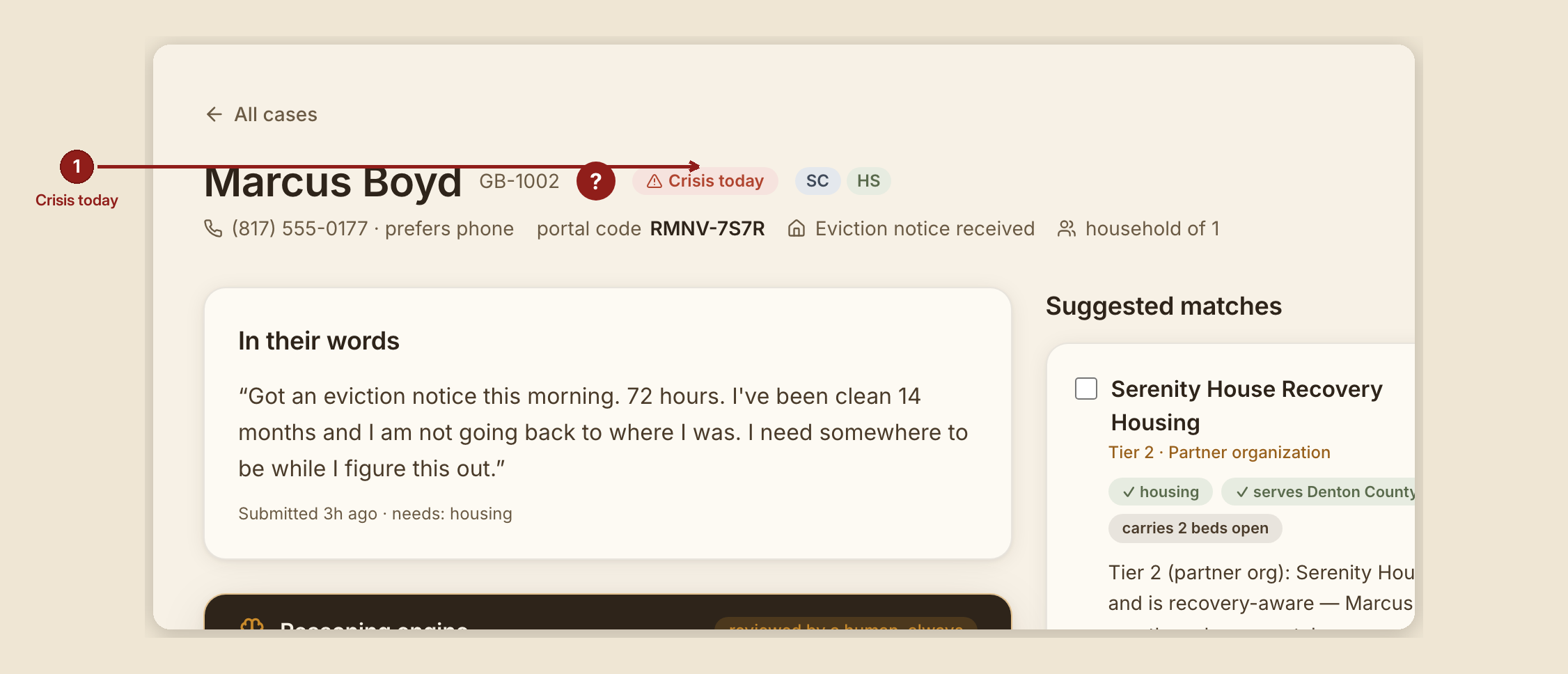
This is one person's whole file: their story, what the reasoning engine noticed, who might help, and the running record of what your house has done about it. Everything that matters about a case lives on this one page.
What you see, in the screen's own labels
Header block: the person's name and case number, "Crisis today" / "Follow up needed" badges when they apply, their phone number and preferred contact method, their portal code (hover it: "The seeker needs this with their case number to check status — re-give it if they lost their confirmation."), their housing status, and household size.
Left column:
- "In their words" — the person's own story, exactly as they wrote it, with "Submitted {time} · needs: {list}" underneath.
- "Reasoning engine" — a dark panel stamped "reviewed by a human, always." Inside: a Summary, a row of Flags, sometimes a "How they're carrying it" note, and an amber "Root need — read closer" box that points at what's actually underneath the ask. This is a reading, not a ruling — you decide what to do with it. While it's still working, it shows "Analysis pending…"
- "The ID-recovery walk" — appears only when the person needs help with ID or vital documents. Covered in full in The ID Walk.
- "Gentle questions, awaiting answers" — questions the engine drafted to fill in gaps. An answered question shows the person's own words right underneath, marked "— {their name}'s answer."
Right column:
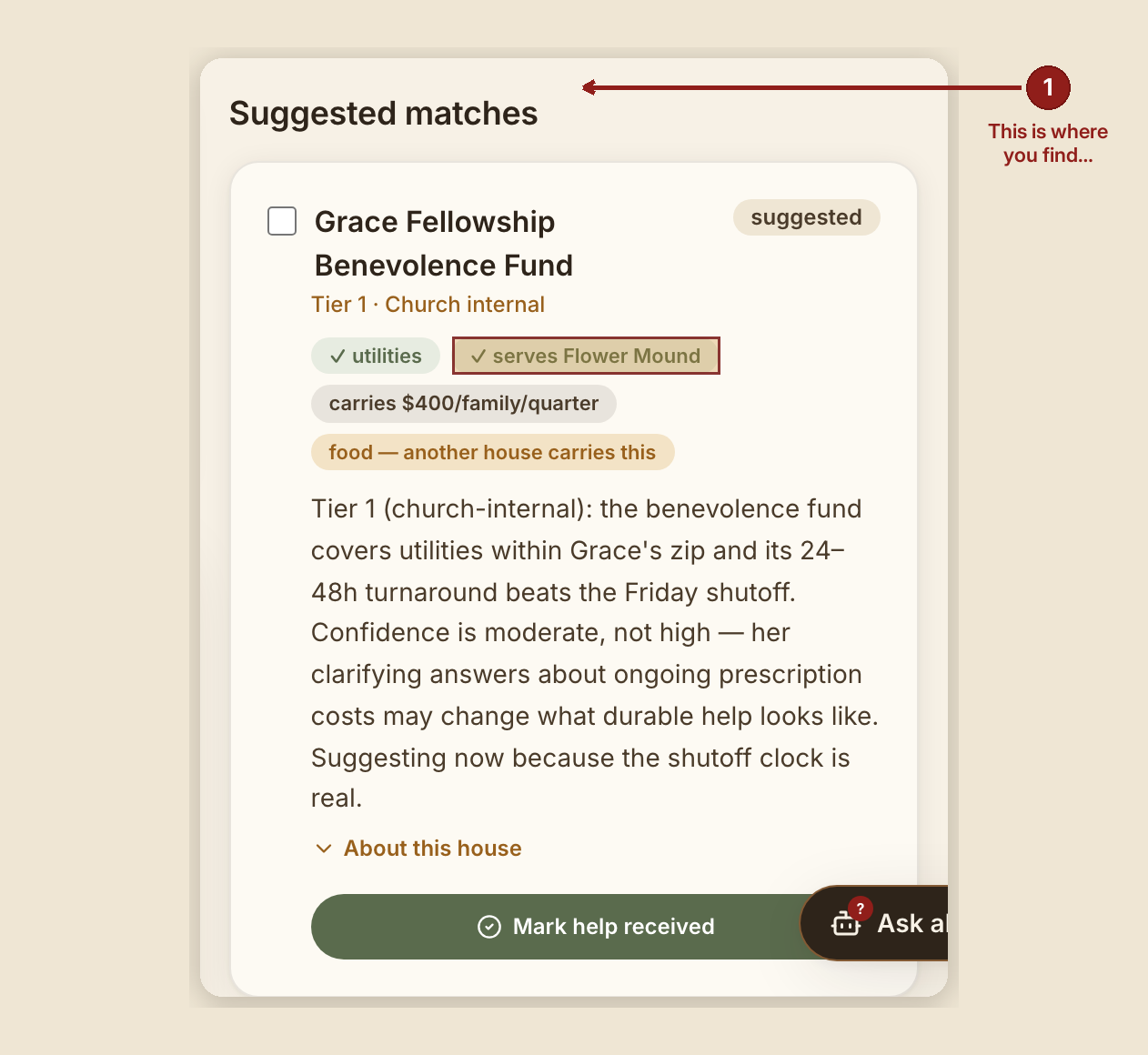
- "Suggested matches" — houses that could carry this need, in three tiers, each with a written reason. Check a box and it rises into an outreach spotlight. Tap "About this house" for bio, area, and capacity. When help lands, "Mark help received" moves the verified counter.
- "Never a dead end — community resources" — real, public resources for the case's needs, always shown, so a case never ends in nothing.
- "Counseling walk" — appears when relevant. See Counseling & Recovery arm.
- "Documents" — appears only on houses with document uploads turned on. Otherwise this section simply doesn't render — there's no disabled or greyed-out version to be confused by.
- "Engine alerts on this case" — appears only when the engine has raised something urgent or alarming.
- "Progress notes" — your running record. See below.
- "Their check-in link" — appears for roles that can manage it. See Check-in links.
- "Case timeline" — the full event ledger, in order.
What to do
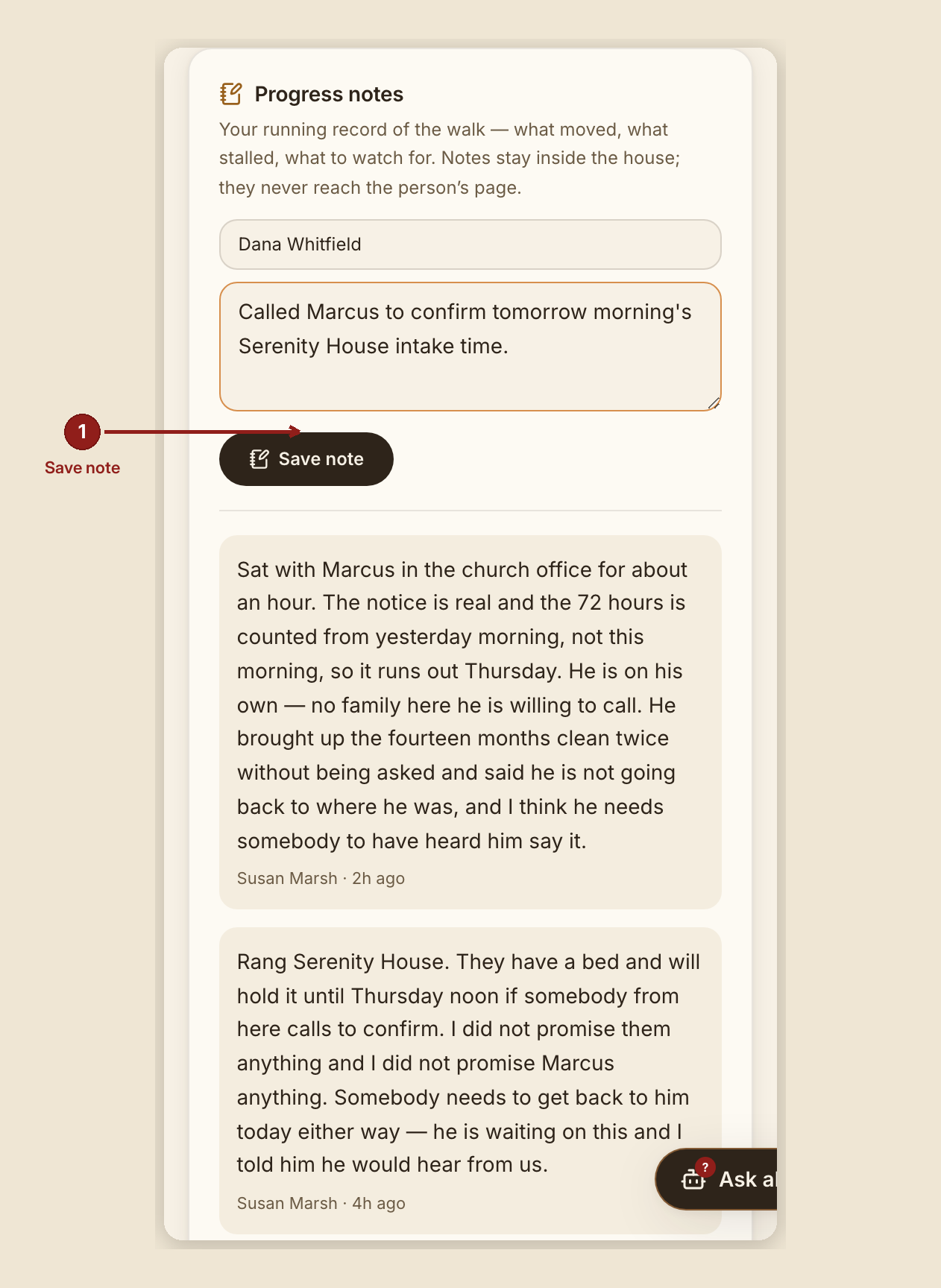
Writing a progress note: fill in your name (it fills itself if you're signed in with your own account) and the note — "a call made, a door opened, a worry worth flagging…" — up to 2,000 characters, then click "Save note." It confirms with "Noted." Every saved note is a permanent, signed, time-stamped receipt on the case; it is not editable or deletable from this screen.
Attaching a document (when the Documents section is present): pick a file and click "Attach document." It confirms with "Attached." Attaching a file is noted on the case timeline and cannot be undone.
What NOT to do — read this once, carefully
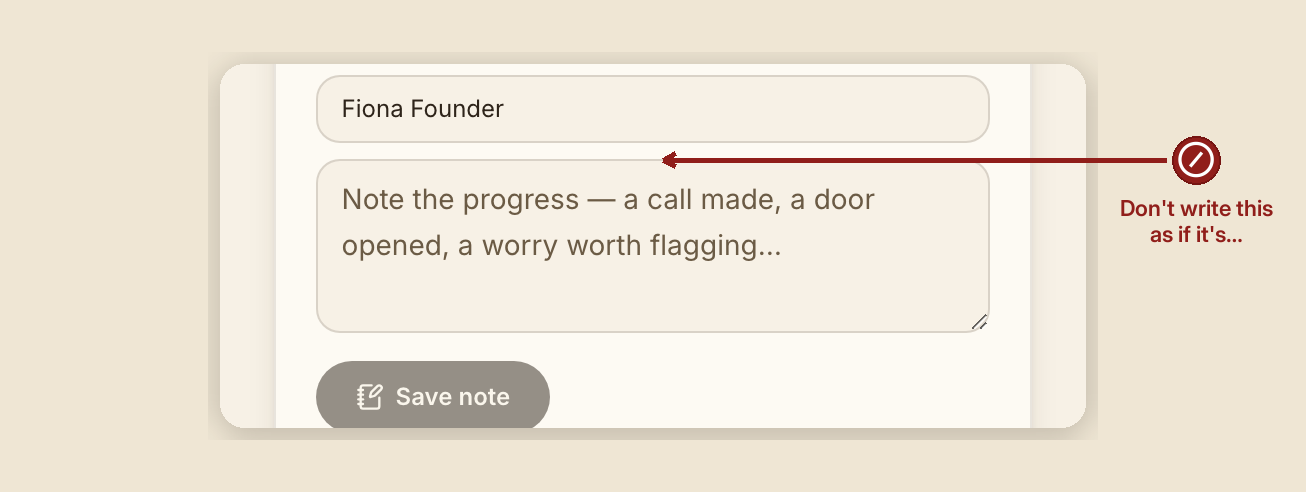
Your progress notes never reach the person. The product says this twice, because it matters: "Notes stay inside the house; they never reach the person's page." There is no path from a note to the seeker's own screen. Write your notes for the next volunteer — that's who reads them.
Here is exactly what the person sees when they check their own request, and it's much narrower than this page: a greeting with their first name, their case number, one plain-language status sentence, when they submitted, any gentle questions still waiting, and — only if a human has already carried a counseling invitation to them in person — the counselor roster and times. They never see your notes, the reasoning engine's summary or flags, which organizations were suggested or why, the case timeline, or the ID-walk board.
A caution that isn't about the software: none of the above is a promise that a note can never be read by anyone. Records can be subpoenaed, and a person can ask to see what's held about them under the privacy policy. Write true things, write them kindly, and write as if the person might one day read them.
Don't treat a 404 on a case as proof it doesn't exist. A case that isn't yours and a case that doesn't exist return the identical not-found page, on purpose — so nobody can use a 404 to learn whether a case exists that they aren't allowed to see.
When something goes wrong

- A note or document doesn't save: "That didn't save — try again." (documents: "That didn't attach — the file was not saved. Try again.")
- A file is too large: "That file is {size}. The limit is {max} per file."
- An upload can't reach the server: "That upload didn't reach the house — check the connection and try again."
- The document list can't be read just now: "The document list could not be read just now, so this may not be all of them — or any of them. Nothing has been lost; try again shortly."
- A case that doesn't exist, or isn't yours to see: the same not-found page either way.
Consultant note. Your role can read every case and its notes, but cannot write a note, upload a document, change a case, or export anything. Access is time-boxed and ends on the date shown on your account.
Provider note. You only see the referrals sent to you — the case summary, its status, and your own notes back. You cannot see notes written by anyone else on a case, even one you were referred to.