

Reports — how to read any of them
What this screen is for

"Reports" (/dashboard/reports) is the index of every report your role can open, listed in a fixed order (Roll-Up first), plus an honest list of what's still being built. Every report in this suite shares the same anatomy, so this page explains that shared anatomy once — each individual report's own guide page then only covers what's different about it.
Since run 81, this same index also has a public preview at /reports — no sign-in required, open on any house the way / is. It lists the same eight live reports, each rendering the real report component, with a sticky jump strip across the top so a reader can jump straight to any one of the eight without endless scrolling.
What you see, in the screen's own labels
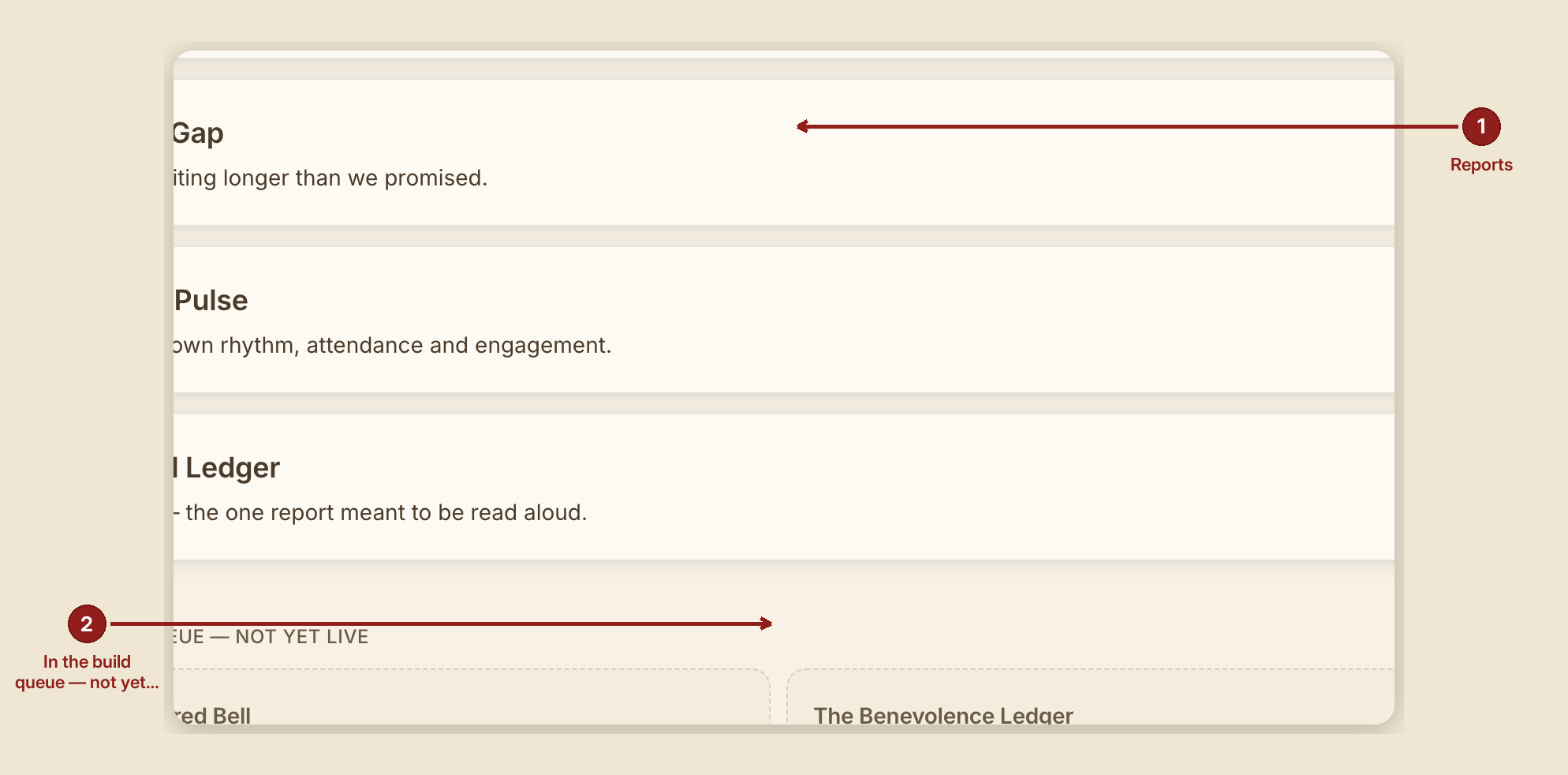
- "Reports" heading, with: "One number, one definition, everywhere it appears. Every report here traces back to the same receipts — nothing is computed twice by two different rules."
- Only the reports your role may open are listed (a
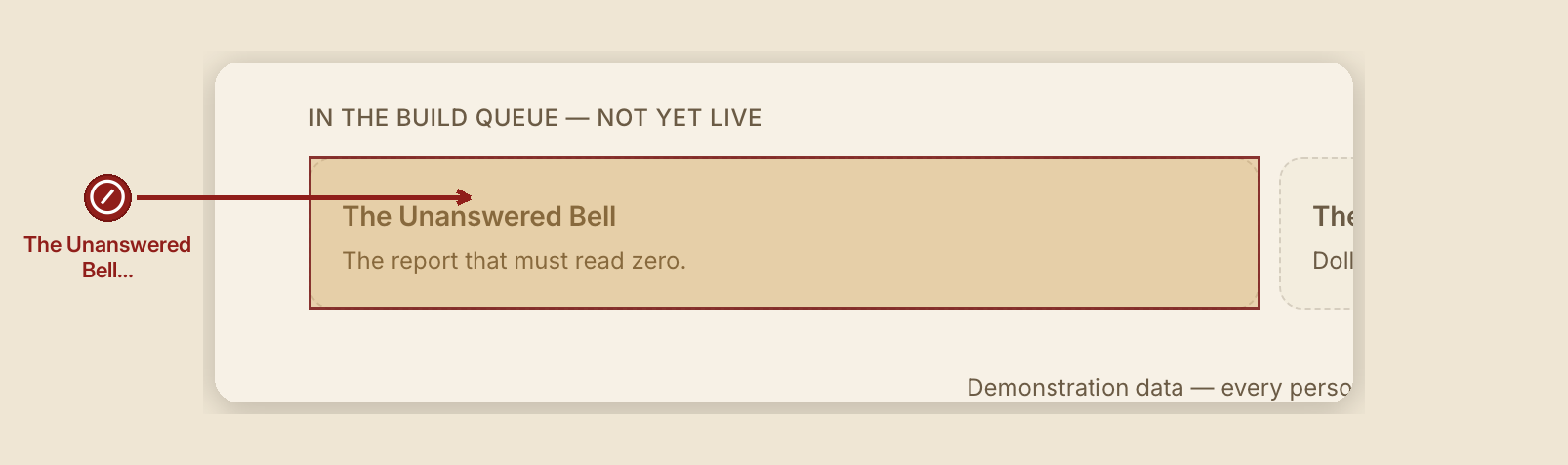
volunteersees fewer than afounder— see Roles & permissions). - "In the build queue — not yet live" — reports that are named in the product but not yet built: currently "The Unanswered Bell" and "The Benevolence Ledger." They're listed, honestly, but not clickable — a card that goes nowhere would be a lie with a border around it.
The eight live reports, in the order they appear
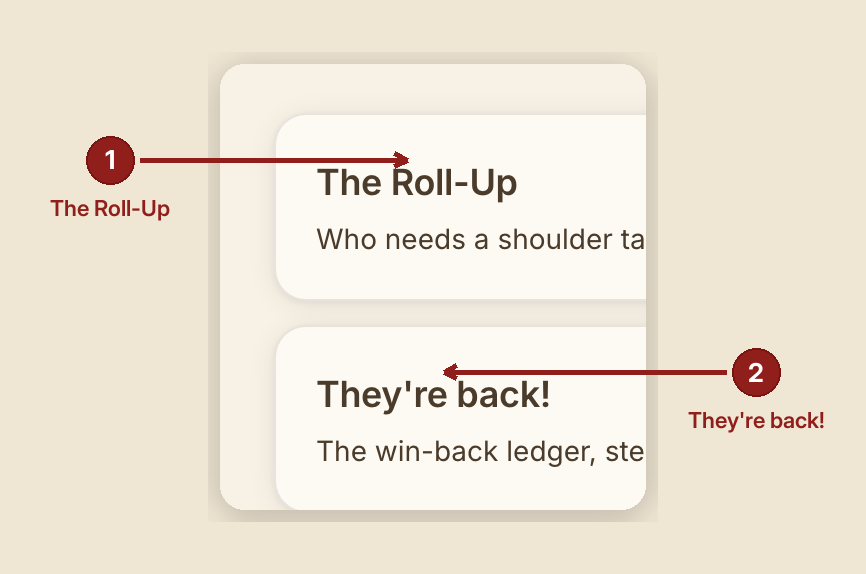
- The Roll-Up — the house's own three-altitude network view. Read this one first; it's the shape every other report borrows.
- The Shoulder Tap — who has drifted off their own rhythm.
- The Zero-Gap — is anyone waiting past the promise this house made.
- The Flock Pulse — the house's own rhythm, rolled up.
- "They're back!" — the win-back cycle, stage by stage.
- The Found Ledger — the names, meant to be read aloud.
- The ID Walk Board — every open document chain.
- The Alert Log — every decision the engine raised, and what came of it.
The anatomy every report shares
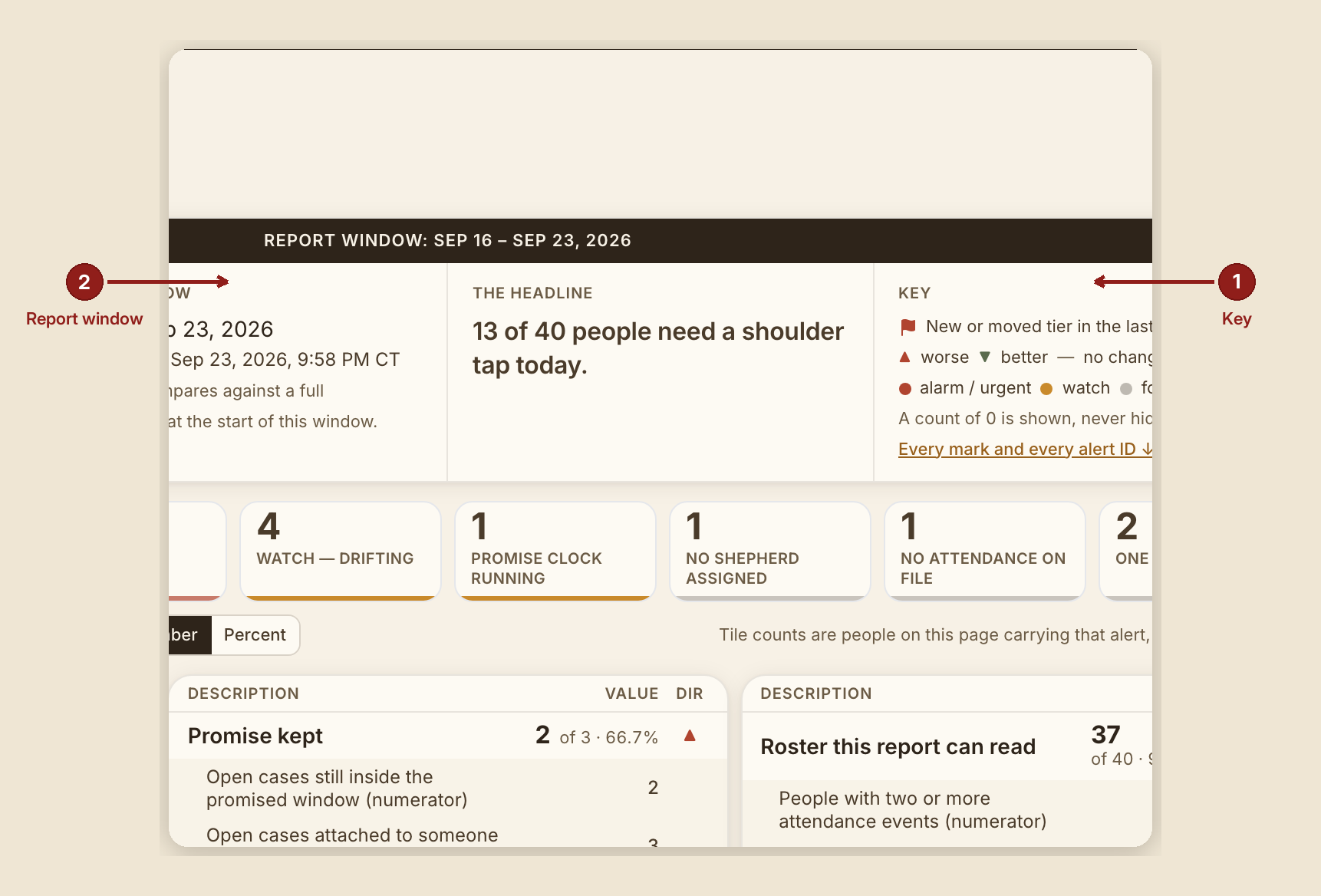
- A header quad — house, the report window and generated-on timestamp, one headline sentence, and a Key.
- A Key (legend) — the standing law behind it, quoted on every one: "a mark that appears anywhere on a report is explained in that report's Key. A mark a reader cannot decode is decoration, and this suite does not ship decoration."
- Severity marks, where a report uses them: three dots labeled alarm / urgent, watch, for information, plus a direction mark (▲ worse, ▼ better, — no change).
- Honest zeros. A tile or a count reading 0 is never hidden — a report explains, in a full sentence, what that zero actually means. "A count of 0 is shown, never hidden" is a standing rule, not a courtesy.
- A denominator on every rate. No percentage or count appears without what it's a share of.
- A "Changed" mark, where applicable, sourced from history — never a guess about what moved.
- A 12-week sparkline, where applicable: fixed 0–100% axis, a missing week shown as a break (never smoothed over), no color (severity lives elsewhere on the page).
- "In their own words" — verbatim quotes from a person's own intake or notes, shown only when authorized. Where it isn't authorized, the placeholder reads: "(words not authorized for display)." Long quotes fold behind "Show the rest — {n} more characters, unedited."
What to do
- Start at the Roll-Up if you're new to the reports — it sets the three-altitude pattern (Network → Group → Person) that several other reports reuse.
- Read a report's own Key before its table, especially the first time — every mark on the page is explained there, in that report's own words.
- Use print (your browser's own print function) for a clean, print- ready copy of any report page — the reports are built to print cleanly without extra setup.
What NOT to do
- Don't read a report's numbers as a performance score for a person. Several reports (Shoulder Tap, Flock Pulse) exist explicitly to notice drift from a person's own baseline, not to compare people against each other.
- Don't act on a drift tier alone. Every "draft a check-in" style control in this suite is inert by design — nothing sends automatically. A human decides whether to reach out.
- Don't treat "In the build queue" items as available. They are named honestly so nobody is surprised later, not because they can be opened today.
When something goes wrong

- A report has nothing to show: every report states its own honest zero, in full sentences, rather than showing a blank table — e.g. "0 of {n} … as of {date} — that is not a bug."
- You can't see a report listed here: your role may not include
report:readfor it — see Roles & permissions for exactly what each role can open.